
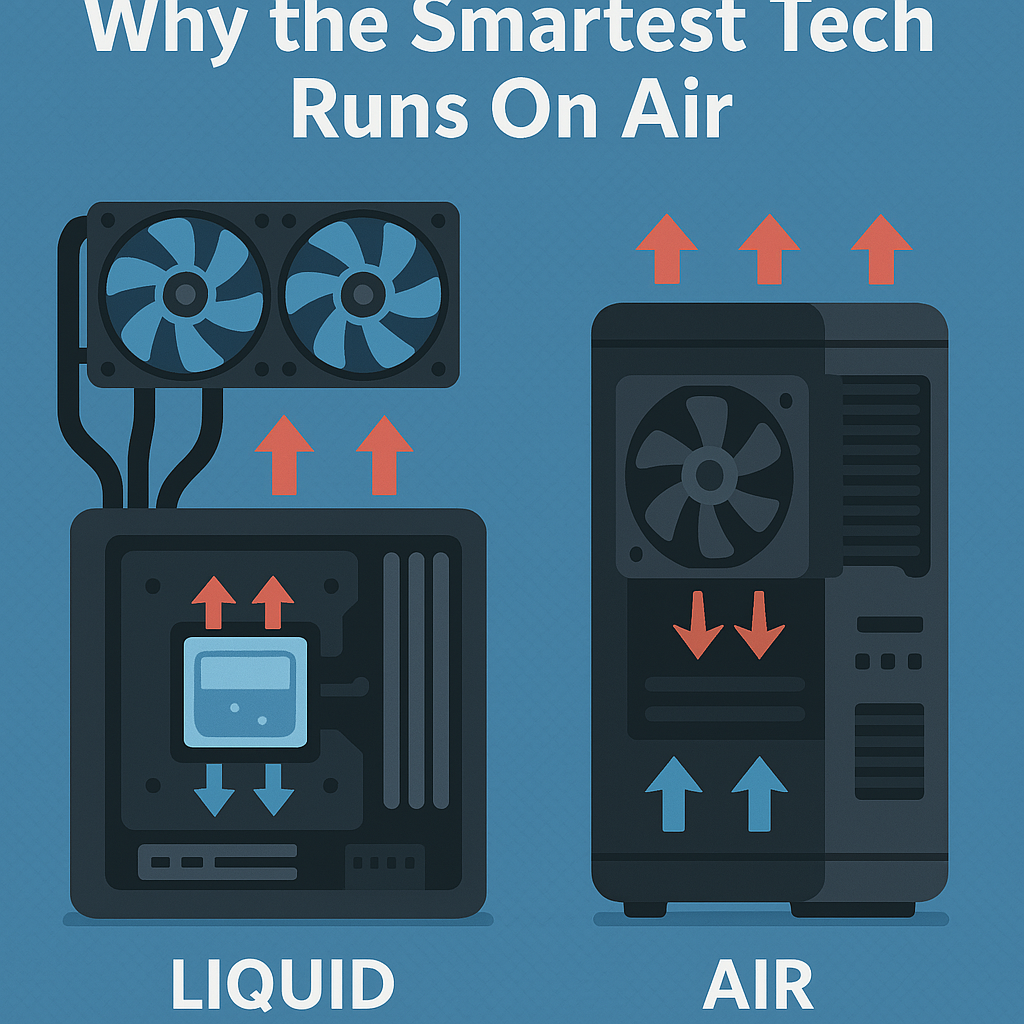
Liquid vs Air Cooling: Why the Smartest Tech Runs On Air
Building a personal computer involves careful attention to thermal management, and the two primary strategies users rely on are air cooling and liquid cooling. Each approach offers distinct advantages, yet the correct choice ultimately hinges on the specific demands of the system being assembled. In the following discussion on liquid cooling vs air cooling, we outline the operating principles of both methods and examine their respective strengths and limitations to guide your decision.
What is air cooling, and how does it work?
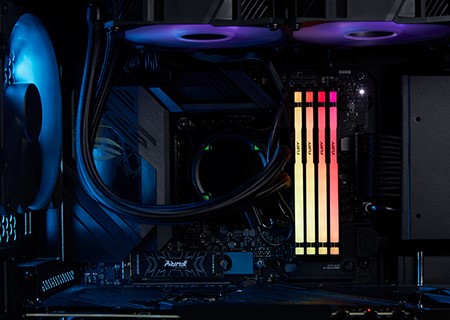
Air cooling remains one of the simplest and yet most reliable approaches for directing waste heat away from sensitive electronics, especially microprocessors. Its installation usually demands little more than a screwdriver and basic spatial awareness. An air-cooling solution typically comprises two primary components: a metal heat sink, which provides a large surface area for thermal transfer, and an electric fan, positioned either above or laterally beside the heat sink, that stirs the surrounding air to carry the dissipated heat away from the CPU and ultimately out of the case.
Benefits:
Cost – Because air coolers rely on basic fans and heat sinks, they tend to be significantly less expensive than liquid setups. If your budget is tight, choosing air cooling allows you to save money that can be invested in extra storage or faster RAM later.
Installation – Air coolers are also simpler to install, making them the most suitable choice for first-time builders. Best of all, you avoid the anxiety of wondering whether water might slowly drip onto sensitive parts.
Maintenance – After the initial installation, air cooling requires minimal upkeep; all you really need to do is open the case and wipe away dust every few months.
Despite the low price and ease of use, there are some drawbacks to air cooling:
Even with their low cost and simple installation, air coolers do have noticeable limitations:
Noise: Because air coolers rely on spinning fans, they tend to produce more sound than many liquid setups, a fact that can become distracting during intense gaming sessions.
Performance: While air coolers are not as thermally efficient as their liquid counterparts, they still provide reasonable temperatures for most mid-range and high-end builds.
Visuals: The large heat sink often obstructs sightlines inside the case, which can detract from the overall look; moreover, there are limited options for users to customize the cooler’s appearance after purchase.
What is liquid cooling, and how does it work?
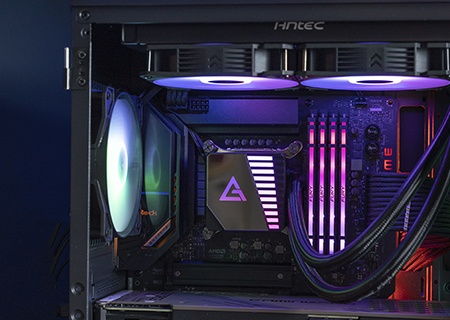
Liquid cooling, also known as water cooling, is often regarded as one of the most effective methods for reducing central-processing-unit temperatures, largely because water transfers heat more efficiently than most other liquids or gases.
A typical liquid-cooled arrangement incorporates several key components: water blocks attached to heat-producing components, a pump to circulate the coolant, a radiator equipped with fans for dissipating heat, tubing to connect everything, and—although not strictly necessary—a reservoir that facilitates filling and bleeding the loop. The pump draws liquid away from the radiator, pushes it to the CPU water block, absorbs waste heat there, and sends the now-warmer coolant back to the radiator for cooling in an ongoing cycle.
When setting up such a system, users generally face one of two paths: an all-in-one (AIO) kit, sold as a sealed yet serviceable unit, or a custom loop, where every fitting, tube, and block can be hand-picked. AIO designs arrive ready to mount, demanding little more than basic screwdriver skills, whereas a fully custom build offers the freedom to optimize for thermal performance, system aesthetics, and available space yet requires more planning and testing. Each approach presents distinct advantages and trade-offs—cost, weight, maintenance frequency, upgrade flexibility, and pure visual appeal—so identifying priorities beforehand is essential.
Benefits Suited to Gamer Types:
Noise Level: Because liquid cooling usually allows fans inside the case to run at lower speeds, the overall acoustic signature of Gaming rigs can be noticeably tamer compared to traditional air coolers that rely on high-RPM fans to move large volumes of air.
Performance: For PC users who intend to run games at ultra settings, water cooling often becomes a prudent choice. Cramming extra power into the system raises voltages, and the resulting heat can reach levels that pose a threat to longevity. Liquid loops transfer that waste heat away faster than air, shaving precious degrees off the hottest components.
Visuals: A well-plumbed cooling setup is simply eye candy, primarily when RGB strips or shaders paint the tubing and reservoir in shifting colours. With a custom loop, enthusiasts mix pumps, blocks, and fittings like parts on a workstation, so no two builds look exactly alike; every build tells its owner’s story.
Although liquid cooling can be 2-10 times more effective than air cooling, there are still some drawbacks:
Cost – A custom liquid-cooling setup is considerably pricier than a standard air-cooling system because you are paying for both the elaborate assembly and the superior thermal performance it delivers. On the other hand, an all-in-one (AIO) liquid cooler falls within a price range much closer to that of conventional air coolers.
Installation– Setting up a custom loop can become quite tedious, especially for newcomers. In contrast, an AIO cooler is designed for simplicity and usually takes about thirty minutes to mount. Regardless of the route you choose, it is always a little nerve-wracking to integrate any water-carrying unit inside your rig.
Maintenance – Custom loops require regular checks of fluid level, colored dye, and the health of each fitting; let one seal fail, and you risk a costly spill. A pre-filled AIO, however, needs almost no oversight, and leaks are far rarer because the system is sealed during manufacture. Please stay connected with us.
Conclusion:
Ultimately, the choice is yours. Selecting between air cooling and liquid cooling primarily depends on your preferences, budget, and the specific thermal requirements of your system. Each method is technically sound; their contrasting designs simply suit different use cases. What truly matters, regardless of the route you take, is maintaining an effective temperature range that prevents performance throttling and safeguards long-term hardware health.
Read More: Letflix Alternatives



