
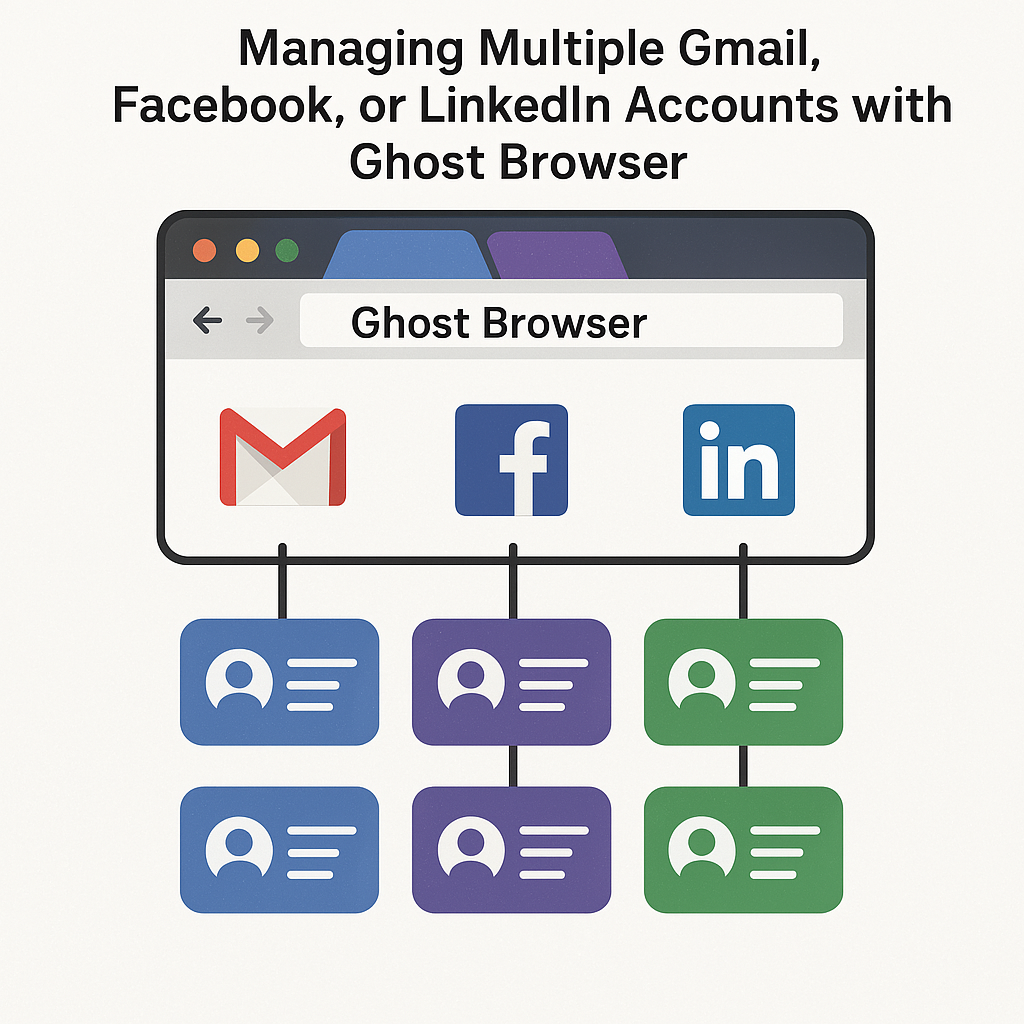
Managing Multiple Gmail, Facebook, or LinkedIn Accounts with Ghost Browser
In an economy increasingly defined by digital presence, the capacity to govern numerous accounts – safely and with agility – has shifted from an optional enhancement to an operational imperative. Day-to-day responsibilities – ranging from sales outreach and social media management to affiliate networking and client account oversight—compel constant navigation between Gmail inboxes, Facebook Pages, and LinkedIn profiles. Conventional browsers, however, were not architected to accommodate this heightened operational density without friction.
Ghost Browser fills this gap. Initially devised to assist marketers and web specialists in orchestrating multi-session workloads, Ghost has matured into the preferred tool for concurrently sustaining distinct online identities. As we advance through 2025, the rise of advanced session fingerprinting and increasingly watchful login behavior policies renders the rigid session management of Chrome and Firefox inadequate. Ghost combines navigational ease with granular session isolation, creating an operational environment that legacy browsers cannot deliver without extensive and cumbersome configuration.
Why Traditional Browsers Fail at Multi-Login
The principal shortcoming of conventional web browsers is their uniform handling of user sessions. While opening multiple tabs is straightforward, a user may access only a single login per service unless they resort to incognito windows or create separate browser profiles, a largely impractical strategy for anyone who administers several Gmail accounts, LinkedIn logins, or Facebook Pages. Consequently, they are forced into a cycle of logging out, clearing cookies, or relying on brittle third-party extensions, each of which risks failure or data leakage.
The situation is aggravated by the fact that platforms such as Facebook and Google actively scrutin session activity for signs of abuse. Frequent log-off and re-log-in patterns, or the simultaneous appearance of multiple accounts from a single, identified device, can provoke security alerts, captchas, or even temporary account suspension. Each of these barriers consumes time, and may ultimately result in lost access.
How Ghost Browser Solves the Problem
Ghost Browser is constructed on the Chromium engine, ensuring compatibility with the vast library of Chrome extensions and with the familiar suite of developer tools. Its innovative advance, however, is the “Sessions” framework. Each tab, or collective group of tabs, can operate with its own independent cookie store, browser fingerprint, and login context. A user can conduct five separate Gmail accounts concurrently within the same window, each assigned to its own tab, and each entirely ignorant of the others.
For LinkedIn marketers engaged in outbound prospecting, this advancement transforms workflow efficiency. Agencies can operate multiple client accounts in parallel, sustaining separate logins without the instability that typically invites security flags from shared device fingerprints. The identical functionality extends to Facebook, where orchestrating ad accounts, Business Manager profiles, or client-facing social pages benefits from the same isolation and reliability.
Sessions can be color-coded, labeled, and bundled into Workspaces—Ghost’s structural layer for recurring operations. A Workspace titled “Client A,” for instance, can encompass one Gmail tab, one Facebook Business Manager tab, and one LinkedIn profile tab, each decoupled and fully authenticated. Load the Workspace the following day, and the entire set refreshes without session overlap or credential prompts.
Application Across Industries
The need for secure, concurrent multi-login capability is acute in digital agencies, virtual assistant collectives, customer support teams, and affiliate marketing operations. A 2024 StackFlow Research survey found that 47% of digital workers regularly handle a minimum of three Gmail accounts each day. For social media managers, the average exceeds five logins per platform, underscoring the utility of streamlined, risk-averse session management.
Ghost Browser provides a streamlined alternative to cumbersome virtual machines and the constant switching of user profiles. Its Session architecture outperforms the combination of incognito tabs, third-party cookies, and manual login cycling by remaining more stable and less detectable.
Each Session can independently use its own proxy. This capability allows each account or tab to operate under a different IP address—critical for managing location-specific logins or circumventing geo-restrictions. When combined with residential or mobile proxies, the architecture reduces the likelihood of triggering account security systems.
Challenges and Considerations
Ghost Browser reduces, but does not eliminate, risks of platform-level detection. Its isolation model is cleaner and more dependable than free alternatives. Users, however, should remain vigilant; mass messaging on multiple LinkedIn accounts, aggressive Gmail outreach, or rapid cycling on Facebook can still prompt enforcement if the behavioral patterns are overly suspicious.
The application requires a subscription. This pricing discourages casual use but results in more stable performance than free tools lacking support and regular updates. For teams, the expense is often offset by increased efficiency and lower rates of account suspension.
The Bottom Line: Efficiency Meets Risk Management
With online platforms tightening standards for account verification and security measures, the management of multiple digital identities demands a more sophisticated approach. Ghost Browser positions itself at the nexus of usability and regulatory adherence, enabling marketers, developers, and support teams to operate securely and at scale across multiple accounts. The solution eliminates the tedium of repeated logins while safeguarding against the vulnerabilities associated with session bleed.
Read More: Zoechip alternative



