
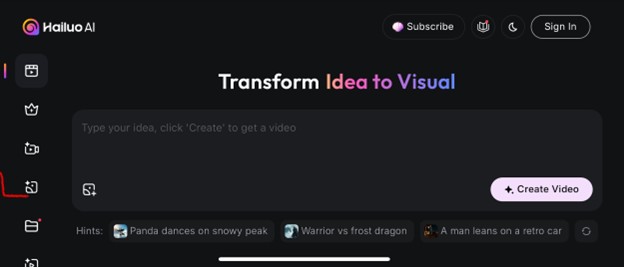
Hailuo AI Video Generator Review: Features, Pricing, Pros & Cons (2025)
Tools like Hailuo AI Video Generator let anyone create professional-looking videos in minutes without any editing skills required. Video editing used to mean expensive cameras, complicated software, and long nights cutting clips together. Today, AI is changing all of that.
Whether you’re a student making a class presentation, a small business owner creating ads, or a content creator posting on YouTube, TikTok, or Instagram, Hailuo makes video production fast, affordable, and accessible.
Table of Contents
Why Is Hailou AI Video Generator Getting Famous?

Creating a video often takes a lot of effort, and it can also be costly. To make a professional-quality video, you usually need a camera, microphone, and most importantly, editing skills that take time to learn. For beginners, this process can feel tiring.
Hailuo AI Video Generator makes things simpler. Instead of spending hours learning editing apps, you just provide an idea or a short script, and the tool does the difficult part for you. With Hailuo, you don’t have to worry about transitions, cutting clips, or adding effects, the software handles it automatically.
How Does Hailuo AI Video Generator Work?
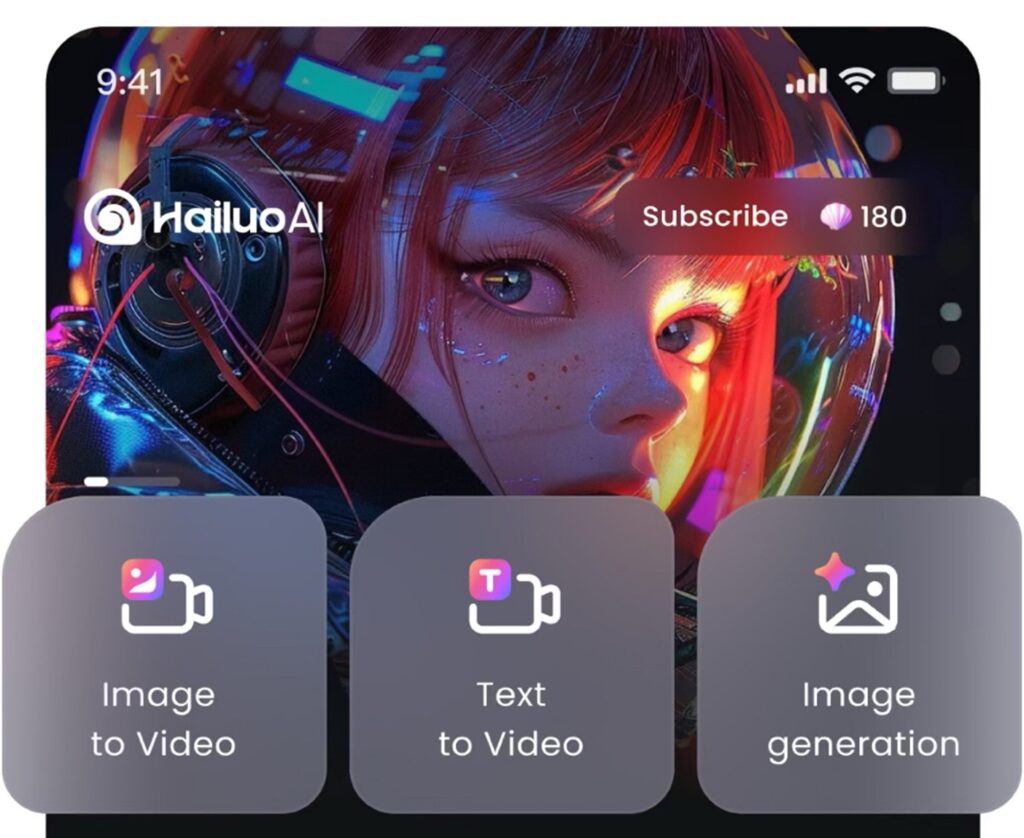
Hailuo is designed to be simple:
- Input your idea: Type text, upload an image, or provide a short script.
- AI generates visuals: The system matches your input with animations, camera motion, and effects.
- Optional voiceover: Add narration in different accents or languages.
- Download & share: Export and share your finished video in minutes.
For example, if you write: “Make a short video about climate change and saving the environment,” Hailuo may create a forest scene with lakes and people planting trees, automatically matching visuals to your prompt.
Features Of Hailuo AI Video Generator

Hailuo comes with powerful features that make video creation both simple and exciting. Here are some of the things that set it apart:
- Text-to-Video
Just type a prompt or short script, and Interior Design AI will turn it into a stunning video with matching visuals, smooth camera motion, and captivating effects.
- Image-to-Video
Have a picture you want to bring to life? Hailuo can animate still images, adding transitions and dynamic movement.
- Subject-to-Video
Upload a character or subject image, and the tool will keep it consistent across scenes—great for storytelling, branding, or character-based videos.
- Templates and Presets
If you don’t want to start from scratch, you can choose from ready-made styles and layouts to get a polished look instantly.
- Director Mode (T2V/I2V)
For more control, Hailuo lets you decide camera angles, movements, and how random or precise the visuals should be.
- Realistic or Stylized Outputs
Whether you need something natural and lifelike or more artistic and creative, you can pick the style that matches your idea.
- Fast Results
Videos that might take hours with traditional editing can be generated in just minutes, or sometimes seconds.
- Voiceover Options
Hailuo also supports AI-generated voiceovers in different languages and accents, making your videos more accessible to international viewers.
All of these features combine to save you time, cut down on costs, and make professional-looking videos accessible to everyone.
Who Can Use the Hailuo?
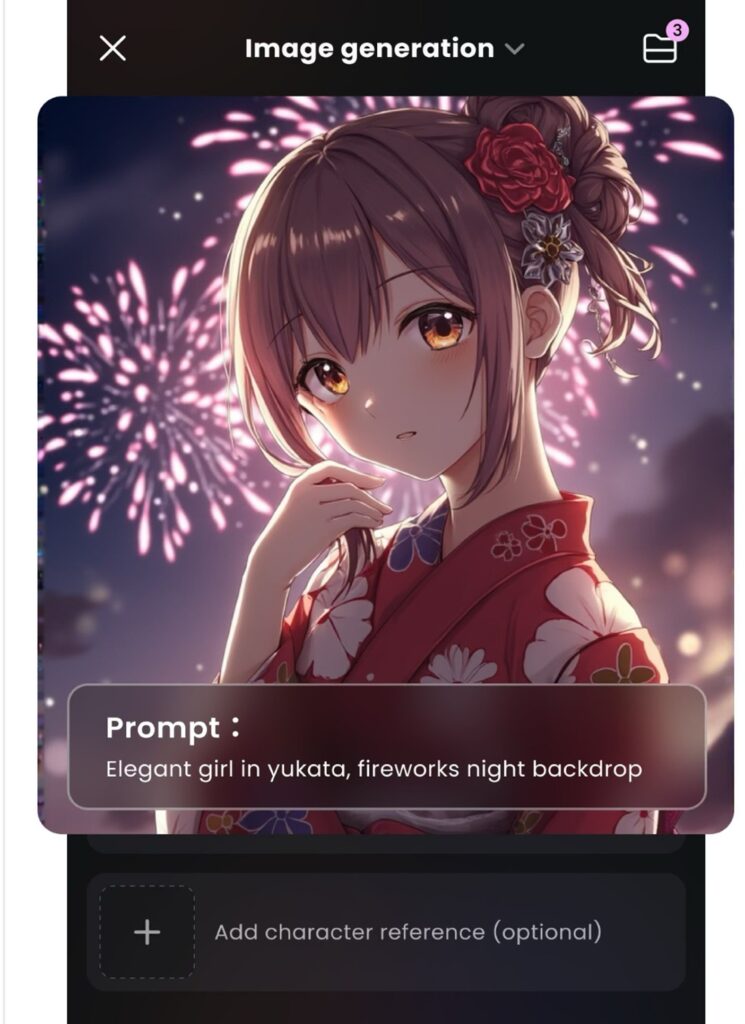
One of the best things about Hailuo is that it’s made for everyone, not just professionals.
- Content creators: YouTubers, TikTokers, and Instagram users can quickly make short, engaging videos without spending hours editing.
- Teachers and students: Lessons, presentations, and projects become more exciting when turned into visuals and animations.
- Businesses: Small companies can create ads, tutorials, and promotional videos without hiring a production team.
- Non-profits: Organizations can raise awareness with professional-looking content, even on a limited budget.
- Anyone with an idea: Whether it’s for social media, school, or personal projects, Hailuo makes it easy to turn ideas into videos.
In short, if you have something to share, Hailuo gives you the tools to express it through video, no matter what your background or skill level.
Advantages of Using the Hailuo AI Video Generator:
Hailuo comes with several benefits that make video creation easier and more enjoyable:
- Saves Time: Videos that once took hours or even days to edit can now be created in just minutes.
- Affordable: You don’t need expensive cameras, software, or a production team. Hailuo makes professional results accessible on a budget.
- Easy to Use: Even if you’ve never edited before, you can simply type an idea or upload an image, and the tool handles the hard part for you.
- Encourages Creativity: Since the AI manages the technical details, you can focus on your story, ideas, and style.
- Versatile: From social media content to school projects or business ads, Hailuo adapts to different needs.
With these advantages, Hailuo makes it possible for anyone, from beginners to professionals, to bring their ideas to life without stress.
What are the Disadvantages of the Hailuo AI Video Generator?
Like any tool, Hailuo isn’t perfect. Here are a few things to keep in mind:
- Visual Accuracy: Sometimes the generated scenes may not look exactly how you imagined them.
- Voiceovers: While they sound realistic, they can still feel a little robotic at times.
- Cultural or Specific Details: The AI may not always capture very specific or local elements correctly.
- Prompt Dependence: The results depend heavily on the quality of your input. A vague or unclear prompt can lead to a video that feels incomplete.
These limitations don’t take away from the usefulness of Hailuo, but they’re good to remember so you can get the best results when creating your videos.
Free vs Paid Plans of Hailuo AI Video Generator
Hailuo offers both free and paid options, so you can try it out before committing.
Free Plan
- Comes with around 1,000 free credits when you first sign up (enough for roughly 20–30 short videos).
- Lets you test text-to-video, image-to-video, and other features.
- Includes watermarks on exported videos.
Paid Plans
- Start at about $14.99 per month with 1,000 credits.
- Higher tiers (up to $199.99/month) provide more or unlimited credits.
- Paid versions remove watermarks, support longer videos, higher resolutions, and more customization options.
This setup makes it easy for beginners to explore Hailuo for free, while creators and businesses who need clean, professional results can upgrade to a paid plan.
Ethical Considerations Of Using Hailuo
Like any AI tool, Hailuo is powerful, but it should be used wisely. Because it can quickly generate videos, there’s always the risk of copying others’ ideas or spreading false information.
To keep your content meaningful and authentic, it’s best to:
- Add your own creativity and personal touch.
- Check facts and make sure the information is accurate.
- Use original ideas instead of relying only on AI.
When used responsibly, Hailuo can be a great way to share your voice and create videos that feel genuine and trustworthy.
Why Human Creativity Still Matters on Hailuo
Even though Hailuo can provide visuals, voiceovers, and structure, the storytelling is still up to you. AI removes the technical barriers, but the emotions, ideas, and messages come from the creator.
Many people even find that AI tools free them up to be more creative, because they can spend less time on editing and more time on the story itself.
Conclusion:
Hailuo AI Video Generator is a new way to make video creation simple and affordable. By removing the need for expensive equipment or advanced editing skills, it allows anyone with an idea to turn it into a polished video.
From businesses and teachers to students and content creators, Hailuo makes professional-looking videos possible for everyone. While it’s not perfect, its speed, ease of use, and creative support are changing the way people think about making videos.
FAQs On Hailuo AI Video Generator
Is Hailuo free?
Partially. It currently offers a free plan, often providing credits (e.g., ~1,000 credits that can generate 20–30 videos before needing more) and includes optional watermarking. Advanced options like longer videos or custom voices usually require a paid plan.
Is it safe to use Hailuo?
Yes, it appears safe, especially when using the official platform. The usual caution applies: always review the privacy policy and terms. Some sources highlight ethical considerations around using personal images.
Do I need editing skills to use Hailuo?
No. Hailuo is designed for everyone, students, teachers, business owners, and content creators.
Can I use the Hailuo videos for business?
Yes. Many people use Hailuo for ads, explainers, tutorials, and social media marketing.
Does Hailuo work on mobile?
Yes, Hailuo supports mobile use. There are browser-accessible tools plus official apps available on both Google Play and the Apple App Store.
Are the Hailuo videos original?
Yes. Hailuo generates videos based on your own prompts or images, making them unique content. It’s still smart to personalize your ideas to stand out.
Can Hailuo replace professional editors?
Not entirely. It’s fast, accessible, and helpful for many users, but professional editors still offer creativity, emotional nuance, and custom touches that AI doesn’t fully replicate. Hailuo is a powerful assistant, but not a complete replacement.



