
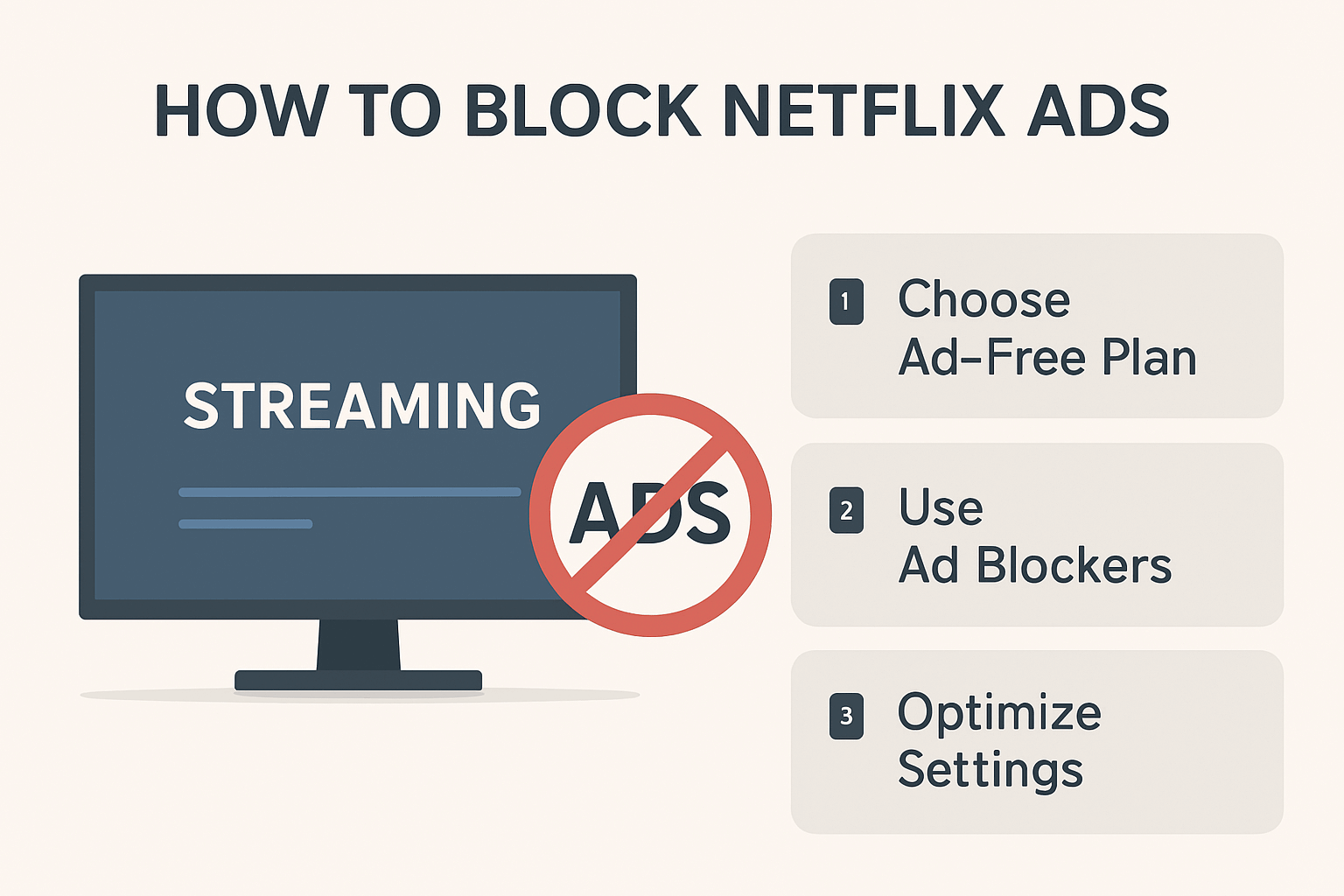
How to Block Netflix Ads: Your Complete Guide to Ad-Free Streaming
Tired of interruptions during your favorite Netflix shows? Since Netflix launched its ad-supported tier in November 2022, millions of subscribers have been looking for ways to enjoy uninterrupted streaming. While Netflix’s ad-supported plan offers a more affordable entry point at $6.99/month, those frequent commercial breaks can disrupt your binge-watching experience.
The good news? You have several options to eliminate Netflix ads and reclaim your viewing pleasure. Whether you’re looking for an ad blocker Chrome extension, considering an upgrade to a premium plan, or exploring alternative solutions, this guide covers everything you need to know.
From official subscription upgrades to powerful ad-blocking tools like Stands Ad Blocker, we’ll walk you through three proven methods to block Netflix ads. Each approach has its own benefits and considerations, and by the end of this article, you’ll know exactly which solution works best for your streaming needs and budget.
Method 1: Upgrade Your Netflix Subscription
The most straightforward way to eliminate Netflix ads is upgrading to an ad-free subscription tier. Netflix currently offers two ad-free options:
Standard Plan ($15.49/month): Provides HD quality streaming on two devices simultaneously, with unlimited ad-free content.
Premium Plan ($22.99/month): Offers Ultra HD 4K streaming on up to four devices at once, perfect for families.
Pros:
- 100% guaranteed ad-free experience
- Official Netflix solution with full platform support
- No technical setup or workarounds needed
- Better video quality compared to the basic tier
Cons:
- Significantly higher monthly cost ($9-16 more)
- Not budget-friendly for casual viewers
- Ongoing subscription commitment
While upgrading is the most reliable option, it’s also the most expensive. If you’re looking for a more cost-effective solution without changing your subscription, keep reading.
Method 2: Ad blocking Browser Extensions
Beyond dedicated ad blockers, several browser extensions and technical solutions can enhance your ad-free Netflix experience when used in combination with Stands Ad Blocker.
Stands Ad Blocker
Stands Ad Blocker (available at Standsapp.com) is a premium ad-blocking solution designed specifically for modern streaming platforms and websites. Unlike generic ad blockers, Stands is optimized to handle sophisticated ad delivery systems used by platforms like Netflix.
Key Features:
- Smart Detection Technology: Recognizes and blocks Netflix’s ad-serving mechanisms
- Multi-Platform Support: Works seamlessly as a YouTube ad blocker and blocks ads across major streaming services
- Chrome Extension Available: Easy installation directly from the Chrome Web Store
- Lightweight Performance: Won’t slow down your browser or streaming quality
- Regular Updates: Stays ahead of ad platform changes and detection methods
- Privacy Protection: Blocks trackers and enhances your online privacy
Step-by-Step Installation Guide
- Visit Standsapp.com and click “Add to Chrome”
- Install the extension from the Chrome Web Store
- Enable Stands Ad Blocker by clicking the extension icon
- Configure settings for optimal Netflix performance
- Refresh Netflix and start streaming
Method 4: Use a VPN to Block Netflix Ads
Virtual Private Networks (VPNs) offer an indirect approach to avoiding Netflix ads by allowing you to access different regional Netflix libraries and subscription tiers. While VPNs don’t technically “block” ads, they can help you access Netflix regions where ad-supported tiers aren’t available or where pricing is more favorable for ad-free plans.
How VPNs Work with Netflix
A VPN masks your actual location by routing your internet connection through servers in different countries. This allows you to:
- Access Netflix libraries from regions without ad-supported tiers
- Take advantage of better pricing in specific countries
- Bypass geographical restrictions on content
Popular VPN Options for Netflix
ExpressVPN: Known for reliable Netflix access with fast streaming speeds and servers in 90+ countries. Works seamlessly alongside Stands Ad Blocker.
NordVPN: Offers SmartPlay technology specifically optimized for streaming platforms, with 5,000+ servers worldwide.
Surfshark: Budget-friendly option with unlimited device connections and strong Netflix compatibility.
Important Considerations
Netflix VPN Detection: Netflix actively blocks many VPN services. Choose premium VPNs with proven Netflix compatibility and frequent server updates.
Pricing varies by region: Some countries offer cheaper ad-free Netflix subscriptions. Research pricing before committing to a VPN service.
Terms of Service: Using a VPN to access different Netflix regions may violate Netflix’s terms of service, though enforcement is primarily technical rather than punitive.
Speed impacts: VPNs can slow your connection, potentially affecting streaming quality. Choose VPNs with high-speed servers optimized for streaming.
Combining VPN with Stands Ad Blocker
For maximum ad protection and flexibility, use a VPN alongside Stands Ad Blocker. This dual approach gives you:
- Geographic flexibility to access better subscription options
- Technical ad-blocking through Stands’ smart detection
- Enhanced privacy and security
- Multiple layers of ad prevention
While a VPN alone won’t block ads on an ad-supported tier, it provides strategic access to regions and pricing that can help you avoid ads altogether. Pair it with Stands Ad Blocker for comprehensive ad-free streaming protection.
Conclusion
Blocking Netflix ads doesn’t have to be complicated or expensive. While upgrading your Netflix subscription guarantees an ad-free experience, it comes with a premium price tag. For budget-conscious streamers, Stands Ad Blocker for Chrome Android offers a powerful, cost-effective alternative.
With its smart detection technology, regular updates, and user-friendly Chrome extension, Stands Ad Blocker is designed specifically to tackle the challenges of modern streaming ads. Whether you use it alone or combine it with complementary tools, you’re taking control of your viewing experience.
Remember: while ad blockers provide a technical solution, always consider supporting content creators and platforms you value. Choose the method that best balances your budget, viewing habits, and ethical considerations.
Read More: What is ssyoutube



