Canva Pricing Plans 2026: Free vs Pro vs Teams vs Enterprise Compared
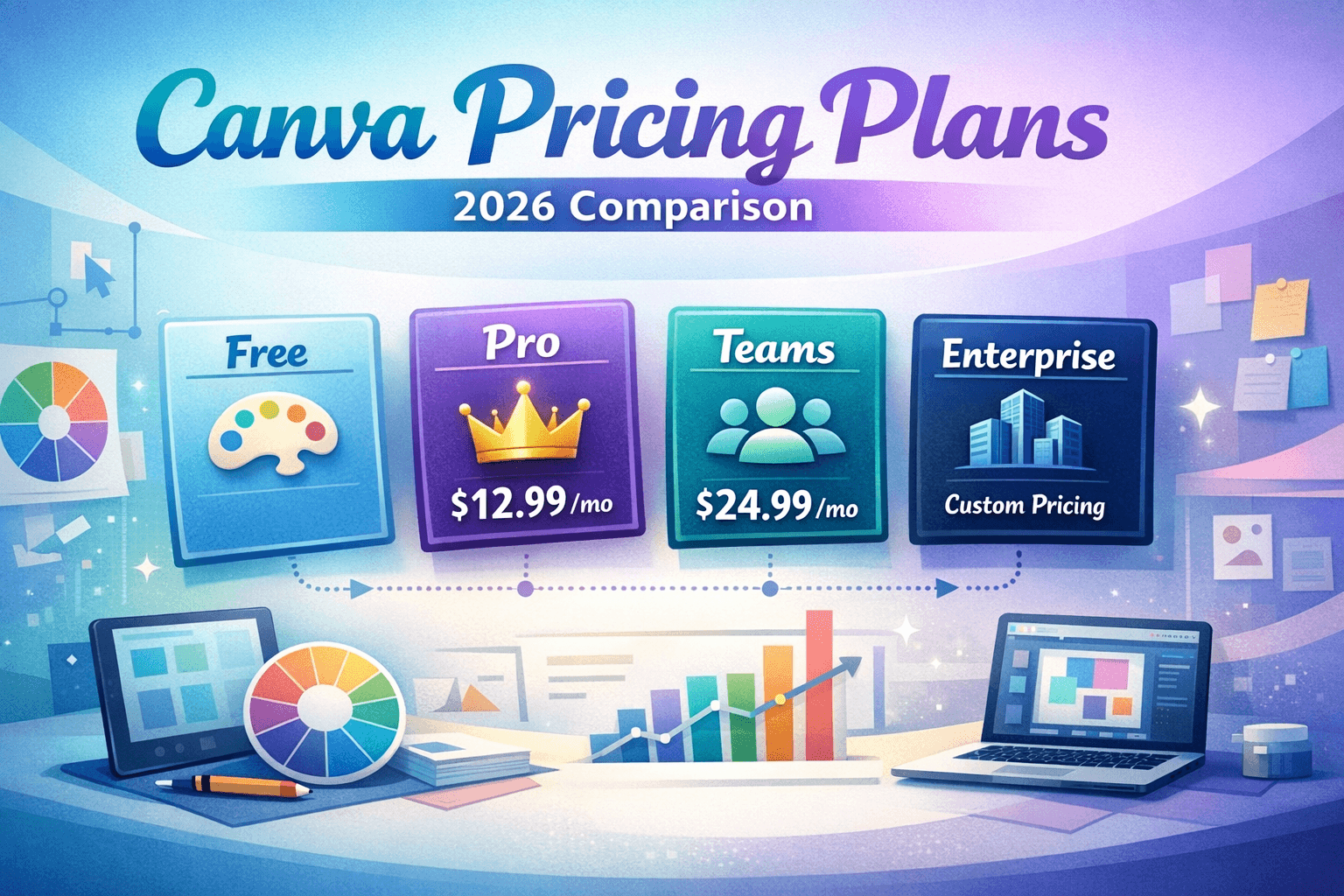
Canva offers four pricing tiers in 2026. The Free plan is permanently available at no cost, with access to over 250,000 templates and 5 GB storage. Canva Pro costs $15/month per user (or $120/year) and unlocks premium templates, 1 TB storage, unlimited brand kits, background remover, and the full suite of Magic AI tools. Canva for Teams starts at $10/user/month (minimum 2 users, billed annually) and adds collaboration features and priority support. Enterprise pricing is custom and designed for large organizations needing SSO, advanced security, and dedicated account management. Nonprofits and educators can apply for Canva Pro completely free through the Canva for Good program — a major value-add often overlooked.
Canva Pricing 2026: All Plans, Costs, Hidden Fees & Best Value Explained
Whether you’re a solo designer, a content creator, or part of a growing team, choosing the right Canva plan can make a real difference to your workflow and your budget. Canva has evolved dramatically in 2026, adding powerful AI tools, expanded template libraries, and new collaboration features — but so has its pricing structure. This guide cuts through the noise to give you an honest, up-to-date breakdown of every Canva plan, what you actually get, what you don’t, and whether it’s genuinely worth paying for.
What Is Canva? A Quick Overview
Canva is a cloud-based graphic design platform used by over 170 million people worldwide. It lets individuals and teams create social media graphics, presentations, documents, videos, websites, and more — all from a drag-and-drop interface that requires no design experience. Its freemium model has made it one of the most widely used design tools on the planet, but understanding exactly what’s behind the paywall is key to making an informed decision.
Canva Pricing Plans: Full 2026 Breakdown
1. Canva Free
The free plan is genuinely usable, not a stripped-down teaser. It gives you access to over 250,000 templates, basic design tools, 5 GB of cloud storage, and limited use of Canva’s AI features. You can design for social media, print, and presentations — all without spending a cent.
Who it’s for: Students, hobbyists, small businesses just getting started, and anyone who only needs occasional design work.
2. Canva Pro — $15/month or $120/year
Canva Pro is the most popular paid tier and represents a significant jump in capability. At $15 per month (or $120 billed annually, saving you $60), you get everything in Free plus:
- 420,000+ premium templates and design elements
- 1 TB of cloud storage
- Background Remover tool
- Unlimited Brand Kits — store logos, colors, fonts
- Magic Studio AI tools: Magic Write, Magic Eraser, Magic Edit, Magic Expand
- Content Planner for scheduling social media posts
- One-click resize (Magic Resize) across formats
- Access to 100M+ premium stock photos, videos, and audio
- Remove Canva watermarks from all designs
- 30-day free trial available
3. Canva for Teams — From $10/user/month (min. 2 users)
Canva for Teams is built for businesses and collaborative groups. Pricing starts at $10 per user per month when billed annually, with a minimum of 2 users — so the real entry cost is $20/month. Key additions over Pro include:
- Real-time collaboration with commenting and approval workflows
- Team Brand Kits and template locking
- Admin controls and roles management
- Priority customer support
- Usage analytics and insights
- Centralized team billing
4. Canva Enterprise — Custom Pricing
Enterprise is designed for organizations with 30+ users or advanced security requirements. It’s fully customized based on team size and needs. Key features include everything in Teams, plus:
- Single Sign-On (SSO) and SAML integration
- Advanced security and compliance controls
- Dedicated Customer Success Manager
- Custom onboarding and training
- API access for custom integrations
- Unlimited storage
Canva Pricing Comparison Table (2026)
| Feature | Free | Canva Pro | Teams | Enterprise |
| Price/mo | $0 | $15/user | $10/user | Custom |
| Annual Price | $0 | $120/yr | $100/user/yr | Custom |
| Templates | 250K+ | 420K+ | 420K+ | 420K+ |
| Brand Kit | 1 | Unlimited | Unlimited | Unlimited |
| Storage | 5 GB | 1 TB | 1 TB | Unlimited |
| Background Remover | X | Yes | Yes | Yes |
| Magic AI Tools | Limited | Full | Full | Full |
| Content Planner | X | Yes | Yes | Yes |
| Priority Support | X | X | Yes | Yes |
| SSO / SAML | X | X | X | Yes |
| Users | 1 | 1 | 2-300+ | 300+ |
Pros and Cons of Each Canva Plan
Canva Free — Pros & Cons
| [+] Pros Pros | [-] Cons Cons |
| No cost, no credit card needed | Only 5 GB storage |
| 250,000+ templates available | No background remover |
| Great for occasional use | Limited Brand Kit (1 only) |
| Good AI tool access (limited) | Canva watermarks on some assets |
Canva Pro — Pros & Cons
| [+] Pros Pros | [-] Cons Cons |
| Best value for solo creators | $15/mo can add up annually |
| Full Magic AI suite included | Only 1 user included |
| 1 TB storage is generous | No priority support |
| 30-day free trial available | Teams features require upgrade |
Canva for Teams — Pros & Cons
| [+] Pros Pros | [-] Cons Cons |
| Collaboration built-in | Minimum 2-user cost ($20+/mo) |
| Priority support included | Can get expensive at scale |
| Brand consistency across teams | No SSO without Enterprise |
| Admin control and approvals | Some features still in beta |
Canva Enterprise — Pros & Cons
| [+] Pros Pros | [-] Cons Cons |
| SSO and enterprise security | Pricing is opaque — requires quote |
| Dedicated account management | Overkill for teams under 30 |
| Unlimited storage | Contract-based commitment |
| Custom API integrations | Slow procurement process |
Hidden Costs, Discounts & Free Trials
Hidden Costs to Watch For
While Canva’s plans are fairly transparent, a few costs can catch users off guard:
- One-time element purchases: Some premium elements in the editor cost $1-$15 each, even on Pro. Always check before using.
- Canva Print add-ons: Printing services are charged separately and pricing varies by product, quantity, and location.
- Canva Websites custom domain: Connecting a custom domain to a Canva website requires a Pro subscription plus domain registration costs from a third-party registrar.
- Per-seat scaling: Teams pricing multiplies per user, so a 10-person team at $10/user = $100/month minimum.
Discounts & Special Programs
Canva is notably generous with discounts for certain audiences:
- Canva for Nonprofits: Eligible registered nonprofits receive Canva Pro completely free. Apply at canva.com/canva-for-nonprofits.
- Canva for Education: Free Pro access for verified teachers and students, including classroom management tools.
- Annual billing discount: Switching from monthly to annual billing saves you roughly 33% on Canva Pro ($120/year vs. $180/year billed monthly).
- Multi-user team discounts: Enterprise plans are negotiated — larger teams typically receive lower per-user costs.
Free Trial Details
| 30-Day Free Trial: Canva Pro offers a 30-day free trial with full access to all Pro features. No design experience or payment is required upfront, though a card must be entered. Cancel before day 30 and you won’t be charged. This is plenty of time to evaluate if the upgrade is worth it for your workflow. |
Is Canva Pro Worth It in 2026?
Straight answer: Yes — for the right user. If you create content regularly (more than a few times a week), the combination of background remover, Magic AI tools, unlimited brand kits, 1 TB storage, and access to 420K+ premium templates genuinely accelerates your output. At $10/month on the annual plan, it’s cheaper than most individual design assets.
However, Canva Pro is not worth it if:
- You use Canva only once or twice a month
- Your needs are met by the 250K free templates
- You’re a developer or UI/UX designer (Figma is better suited)
- You’re a team of 2+ (Teams plan gives better per-user value)
| Bottom Line: Canva Pro pays for itself if you save even 30 minutes per week on design tasks that would otherwise require Adobe Suite, hiring a freelancer, or purchasing individual stock assets. For creators, marketers, and small business owners, it’s an easy yes. |
Best Canva Alternatives in 2026
Canva dominates the no-code design space, but it’s not the only option. Here’s how key competitors stack up:
| Tool | Free Plan | Paid From | Best For | AI Tools |
| Canva | Yes | $15/mo | All-around design | Strong |
| Adobe Express | Yes | $9.99/mo | Adobe users | Good |
| Visme | Yes | $12.25/mo | Presentations | Moderate |
| Piktochart | Yes | $14/mo | Infographics | Moderate |
| Figma | Yes | $15/mo | UI/UX teams | Limited |
Adobe Express is the strongest alternative for anyone already inside the Adobe ecosystem. Visme excels for data-heavy presentations. Figma is the go-to for professional UI/UX teams. For most everyday marketing and content creation use cases, Canva remains the most complete and cost-effective option.
Frequently Asked Questions (FAQ)
The following Q&As are structured for FAQ schema markup and featured snippet optimization.
Q1: Is Canva completely free to use?
Yes. Canva’s free plan is permanently available with no expiry date. It includes 250,000+ templates, basic design tools, and 5 GB of storage. Some premium elements and templates require a Pro subscription or a one-time purchase.
Q2: How much does Canva Pro cost in 2026?
Canva Pro costs $15 per month when billed monthly, or $120 per year when billed annually — that works out to $10 per month on the annual plan, saving you $60.
Q3: Can I get Canva Pro for free?
Yes — in two ways. First, Canva offers a 30-day free trial for new Pro subscribers. Second, verified nonprofits, educators, and students can receive Canva Pro at no cost through the Canva for Good and Canva for Education programs.
Q4: What’s the difference between Canva Pro and Canva for Teams?
Canva Pro is a single-user plan focused on individual productivity — it includes all AI tools, premium content, and brand features. Canva for Teams (from $10/user/month, min. 2 users) adds real-time collaboration, approval workflows, admin controls, and priority support.
Q5: Does Canva have hidden fees?
Canva’s core plans are transparent, but watch out for: one-time premium element purchases ($1-$15 each), Canva Print service costs, and custom domain fees for Canva Websites. None of these are automatic charges — they only apply if you choose those options.
Q6: Is Canva better than Adobe Express?
For most non-designers and content creators, yes. Canva offers a larger template library, stronger AI tools in 2026, and a more intuitive interface. Adobe Express is better for users already embedded in the Adobe ecosystem or needing tight integration with Photoshop and Illustrator.
Q7: Can I cancel Canva Pro anytime?
Yes. Canva Pro subscriptions can be cancelled at any time. If you cancel a monthly plan, access continues until the end of the billing period. For annual plans, Canva does not typically offer pro-rated refunds after the trial period.
Q8: Is there a Canva student discount?
Yes. Students at eligible educational institutions can access Canva Pro for free through Canva for Education. Verification is done through your school email or SheerID. Check canva.com/education to apply.