
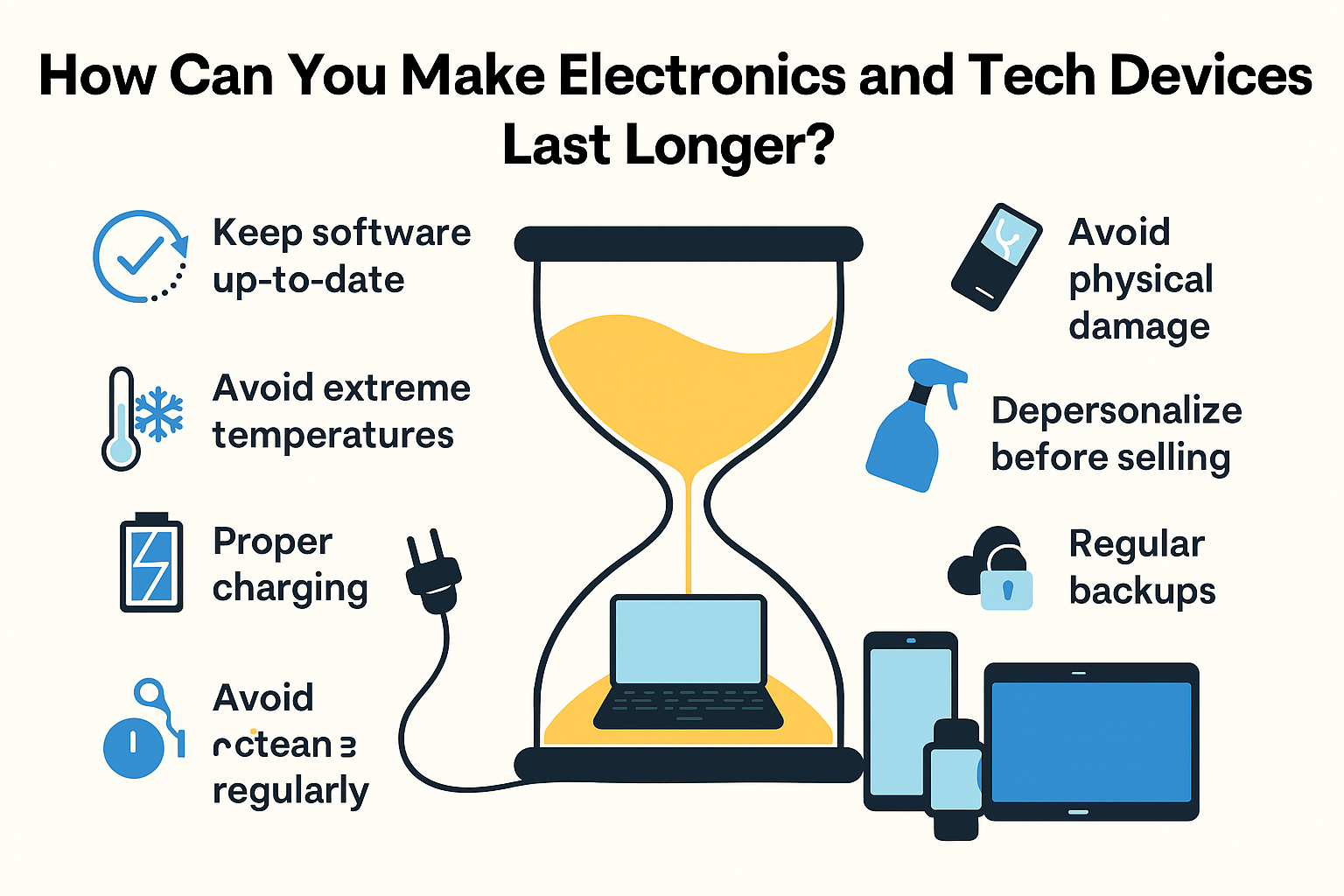
How Can You Make Electronics and Tech Devices Last Longer?
It’s a common belief that electronics and tech gadgets have expiration dates, which often coincide with the warranty. Whether this is true or not, there’s something you can do to extend their lifespan. Investing in a UPS system, for instance, has saved many vital computing hardware from sudden power outages and surges.
What causes modern devices to fail?
Sure, the best gadgets have gone through rigorous testing, helping ensure they can withstand just about anything. But what happens in a controlled environment is different in the outside world. While the likelihood of failure increases at the end of a gadget’s life, some components’ failure rate happens right at the beginning of service.
- Electrical Overstress: This problem happens when there’s an excessive amount of electricity that hits different components. Heat and electricity produced can melt encapsulations and damage metallisation.
- Hardware Failure: This can happen for a variety of reasons, such as accelerated wear and tear and exposure to extreme conditions.
- Software Errors: Errors are often a result of technology failure, causing bugs, compatibility issues, and system downtime, among others.
- Cyber Attacks: Hackers send malware, ransomware, and similar attacks that can cause significant disruption.
- Human Error: Improper use of equipment and lack of maintenance are just two things that can ruin a perfectly good tech device.
- Natural Disasters: When Mother Nature strikes, even the most robust technology setup will crumble in her path. This is especially true if there are no preventative measures in place.
How to Ensure the Longevity of Electronics and Tech Gadgets
Proper Care and Handling
That mobile phone you use all day and night requires proper care and maintenance, maybe even more given the frequency of use.
- Ensure essential devices and electronics are physically well-maintained, keeping them clean inside and out and using only recommended products.
- Don’t overcharge batteries and follow proper charging procedures. Make sure to use only the correct charger, especially for device-specific chargers.
- Remove unnecessary applications and data that occupy space but are no longer used. Deleting them will significantly improve performance and prevent cyberattacks. Certain apps that are no longer supported by the developers may be vulnerable to hacking.
- Prevent overheating through proper heat control and ventilation. Cooling options include liquid and air cooling and separate cooling pads.
- Devices should be placed in well-ventilated areas, not directly exposed to the sun, and not close to heat sources.
Invest in Surge Protectors
If you live in areas where power fluctuation is the norm, using surge protectors is your first line of defence against technology and electronic failure.
- Protect all devices against electrical spikes that may lead to irreparable damage, requiring you to replace them, which can be expensive.
- When shopping for surge protectors, always check for a higher joule rating, making them highly effective against voltage spikes.
- A protector with multiple outlets allows you to connect multiple devices at the same time. Also, check that it is UL certified.
Monitor and Fix
When was the last time you used your phone or computer’s diagnostic tools? If you don’t even know they exist in the first place, then you’re not helping your tech gadgets at all.
- Diagnostic tools are designed to proactively notify you of any potential failure and problems and possible troubleshooting techniques. Regularly checking them helps in early detection and prevention.
- Pay attention to any notifications regarding operating conditions and how to ensure optimal use.
- Part of proactive maintenance is software updates, especially with the operating system. Make sure you have the latest software for improved performance and security. Enable automatic updates if the feature is available.
- If you’re using third-party software, make sure that it’s also up-to-date to protect against bugs and other damaging IT risks, as well as enhance performance.
Optimise Battery Life and Performance
As previously mentioned, proper charging practices can extend the life of modern devices, particularly the battery.
- Apart from overcharging, it’s also important that you don’t wait for the battery to completely drain before you recharge. It’s strenuous for the battery to hit 0% every time.
- Take advantage of built-in recharge settings, such as Battery Saver, Low Power Mode, and the like.
- Follow best habits in juicing up the battery, which is charging between 20% and 80% and no more than 100%.
- Use only the charger that came with the device and make sure to find the correct replacement.
Avoid Overloading
Overloading the RAM or storage not only causes deterioration of the component itself but also the device it’s connected to.
- When the RAM is overburdened, it can overheat or work more slowly than usual. This can cause hardware failure and, eventually, device failure.
- Make sure to clean out unused files the moment you receive notification of apps you have rarely used for the last six months or a year.
- Upgrade the RAM if you’re using highly intensive programs, and you notice the hardware struggling to keep up.
- Use external drives if you need more storage, or take advantage of cloud and remote storage options.
Investing in computers and other devices is no joke, especially when used in business operations. You want to get the biggest returns and then some, which is only possible if the equipment you use lasts longer. On that note, partner with UPS Solutions for the best power solution that you or your business needs.



