
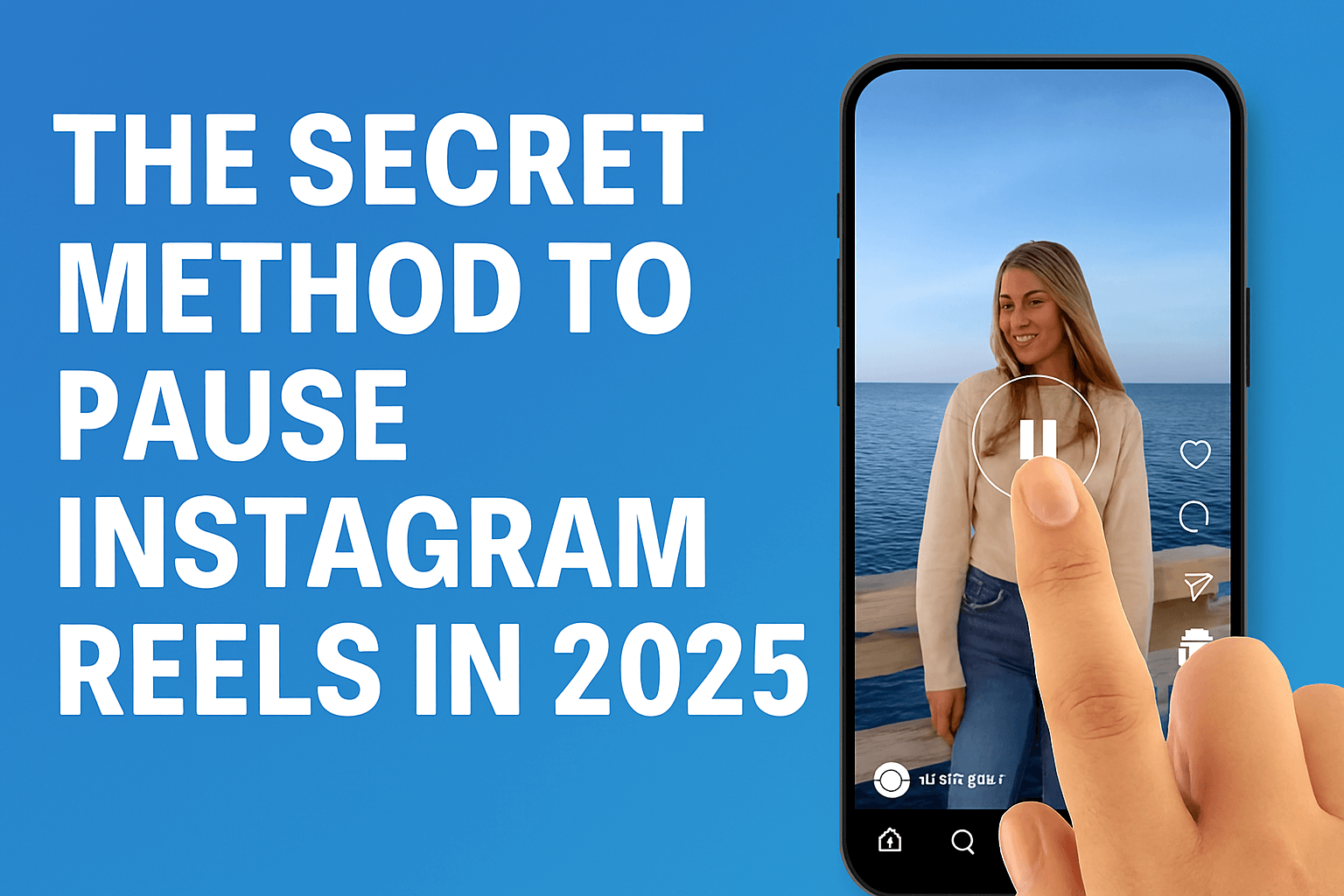
How to Pause Instagram Reels in 2025 | Secret Pause Trick Explained
Pause Instagram Reels in 2025 by simply holding your finger on the screen, which stops the video until you release. This secret pause trick works on most devices, making it easy to control playback.
In 2025, Instagram Reels has emerged as one of the platform’s most popular features. They are short, fast, and addictive. Millions of users scroll through Reels every day for entertainment, tutorials, and trend updates. But there is one problem that frustrates almost everyone: there is no visible pause button.
When watching a recipe tutorial, a workout routine, or a quick hack, you often need to pause the Reel to follow the steps. Many people try double-tapping or pressing the screen, only to skip or like the video instead. This can be frustrating, and the question “how to pause Instagram Reels in 2025” has become one of the most searched queries among Instagram users.
In this article, we will empower you with the knowledge of how to pause Instagram Reels, discuss alternative methods for greater control, and provide practical tips to maximize your viewing experience. So, let’s get started and take control of your Instagram Reels viewing!
Table of Contents
Why Instagram Reels Don't Have a Pause Button
If you use Instagram Reels daily, you might wonder why there is no pause option in 2025. Almost every video platform, including YouTube Shorts and TikTok, allows users to pause, rewind, or skip content. Instagram Reels, however, play without giving viewers those controls. This is not a mistake. It is part of Instagram’s design strategy.
Instagram’s Design For Fast Scrolling
Instagram created Reels to keep people scrolling without stopping. The app is built to deliver short, engaging videos one after another. If users had a pause or rewind button, many would spend more time on a single video instead of moving forward. By removing traditional controls, Instagram ensures a smoother and faster flow of content.
Business Strategy Behind No Pause Button
Instagram wants users to watch more videos, interact with ads, and engage with trending content. The absence of a pause button is intentional. It increases overall watch time because people often rewatch the same Reel when they miss details, boosting video views for creators. This helps Instagram show more ads and improve engagement metrics.
User Frustration With No Pause Option
Many users, like you, have expressed frustration about missing text overlays, instructions in tutorials, or essential moments in Reels. Some even resort to recording their screens or downloading videos just to pause them later. The absence of a pause button often leads to poor viewing experiences, especially for educational or how-to Reels. Even in 2025, Instagram has not introduced an actual pause button. Instead, users must rely on hidden tricks or alternative methods to control playback.
The Secret Method to Pause Instagram Reels in 2025
Although Instagram has not added a visible pause button for Reels, a hidden feature allows you to stop a video temporarily. This trick works on both iPhone and Android in 2025 and does not require third-party apps.
Step-by-Step Method to Pause the Reels
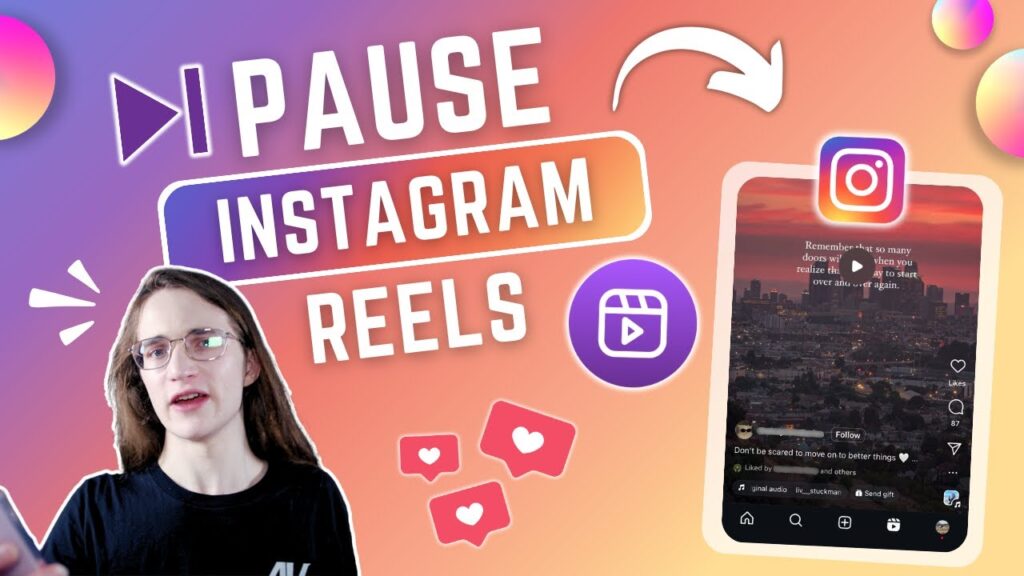
- Open any Reel you want to watch.
- Tap and hold the screen with your finger. The video will freeze instantly.
- Release your finger so the Reel can continue playing.
This simple tap-and-hold gesture is the secret way to pause Instagram Reels. It’s fast, easy, and built into the app, even though Instagram does not advertise it as a feature. Knowing this trick will bring you relief and reassurance in your Instagram Reels viewing experience.
Why This Method Works
When you press and hold the screen, Instagram freezes the current frame of the Reel. The app interprets your gesture as a “hold” command instead of a scroll or tap. That is why the video stops until you lift your finger.
Limitations Of The Hidden Trick
- You must keep your finger on the screen, which can block part of the video.
- There is no way to rewind or fast forward.
- If you accidentally move your finger, the Reel may skip or open the profile.
Alternative Ways to Pause Instagram Reels in 2025
The tap-and-hold trick is the fastest way to pause Instagram Reels, but it is not always practical. If you want to pause for an extended period, rewind, or study the video frame by frame, you will need alternative methods. In 2025, several reliable alternatives will be available for both mobile and desktop users.
Using Screen Recording
One effective method is to use your phone’s screen recording feature. On iPhone, you can simply record the screen by opening the Control Center, tapping the screen recording button, and then playing the Reel. Stop recording when done. On the other hand, most modern Android devices include built-in screen recording under Quick Settings. After recording, you can open the video in your gallery and pause, rewind, or forward as much as you want.
Pros: Full playback control, works offline.
Cons: Takes up storage space, has lower quality than the original Reel, and requires extra steps.
Downloading Reels
Another option is downloading Reels using third-party apps or websites. Once saved to your device, you can play them in any video player with pause, rewind, and forward options.
Benefit: Complete control over playback.
Risk: Some apps may violate Instagram policies or compromise privacy. Be careful and avoid suspicious tools.
Accessibility Features
Accessibility tools built into phones can also help pause Reels:
- iOS AssistiveTouch: Lets you temporarily freeze the screen by locking input.
- Android Accessibility Menu: Offers similar options to hold frames or slow interactions.
- These features are beneficial for users who require more time to process visual information.
How to Pause Instagram Reels on Different Devices
The pause trick and alternative methods work differently depending on the device you use. Whether you are on an iPhone, Android, or desktop, here is how to pause Instagram Reels in 2025.
Pausing Instagram Reels on iPhone (iOS)
- Open Instagram and play the Reel.
- Tap and hold the screen to freeze the video.
- Release your finger when you want to continue.
Extra methods for iPhone users:
Use the built-in screen recording tool from Control Center. After recording, open the file in your Photos app and pause whenever you like. Save the Reel to your collection and replay it later at your own pace. Use Assistive Touch (Settings > Accessibility > Touch > Assistive Touch) to lock the screen frame for added control.
Pausing Instagram Reels on Android
- Open Instagram and play the Reel.
- Tap and hold the screen to pause playback.
- Release to resume.
Extra methods for Android users:
Use the screen recording function (built into most phones, or download apps like AZ Screen Recorder). Download the Reel with a trusted tool and play it in your gallery with pause and rewind options. Use accessibility features from the Accessibility Menu for screen freeze.
Pausing Instagram Reels on Desktop (PC or Mac)
Instagram’s web version makes pausing easier if you know the right tricks.
- Go to Instagram.com and log in.
- Open the Reel you want to watch.
- Right-click and choose Inspect Element to locate the video controls, or use Chrome/Edge extensions like Video Speed Controller, which add pause and rewind functions.
Why Users Want to Pause Instagram Reels (Use Cases)
The demand for a pause button in Instagram Reels is expected to be high in 2025. People use Reels for more than entertainment. They want to learn, follow instructions, and analyze content. Without a pause option, many struggle to keep up. Here are the primary reasons users seek ways to pause Instagram Reels.
Reading Long Captions Or On-Screen Text
Many creators add text overlays, captions, or subtitles to their Reels. These often flash quickly and disappear before viewers can thoroughly read them. Pausing the video allows users to read comfortably without missing any context.
Following Tutorials Step By Step
Reels are popular for tutorials in cooking, fitness, makeup, tech, and DIY. Since videos are short, creators rush through steps. Without a pause feature, viewers may have to replay the Reel multiple times. Pausing helps users follow instructions at their own pace.
Analyzing Content For Trends
Content creators and marketers often study Reels to understand transitions, hashtags, or editing styles. Pausing allows them to break down effects, captions, and techniques. This is crucial for businesses looking to grow on Instagram in 2025.
Educational Purposes
Teachers and students sometimes use Reels for quick lessons or demonstrations. A pause option helps during classroom discussions or presentations where information needs to be reviewed carefully.
Sharing And Explaining With Friends
Users often send Reels in chats and discuss specific parts of the video. Being able to pause makes it easier to highlight a specific frame or moment in the Reel.
Accessibility And Focus
For users with slower reading speed, hearing difficulties, or attention challenges, a pause option improves accessibility. It gives them control over how fast they consume content.
Pros and Cons of the Pause Trick
Pros | Cons |
Quick and easy to use | Not a true pause, only a freeze-frame |
Works on both iPhone and Android | You must keep your finger on the screen |
No third-party apps needed | The finger may block part of the video |
Instant response, freezes Reel immediately | No rewind or forward option |
Safe and built into Instagram | Can skip or open profile if finger moves |
Expert Tips for Managing Reels Without a Pause Button
Until Instagram introduces a real pause option, you need innovative ways to handle Reels more effectively. These tips will help you manage tutorials, trends, and educational content without frustration.
- Use the Save feature: Tap the bookmark icon under a Reel to save it. This lets you revisit the video later and rewatch it as many times as needed.
- Take screenshots for key frames: If you want to capture a vital recipe step, workout pose, or design idea, take a quick screenshot while holding the screen. This provides a reference without requiring a rewatch.
- Screen record for complete playback control: Record the Reel and then pause, rewind, or forward in your gallery app. This is useful for tutorials that move too quickly.
- Use a desktop for analysis: Open Instagram on a computer and use browser tools or extensions. This provides easier playback control and a larger screen for examining details.
- Slow down your viewing: Some third-party tools let you download Reels and watch them in slow motion. This is ideal for makeup tutorials, dance moves, or fitness techniques.
- Stay updated with Instagram updates: Meta frequently tests new features. Keep your app updated, as Instagram might eventually add more playback options in future versions.
Will Instagram Ever Add a Pause Button?
The demand for a pause button in Instagram Reels has been strong for years. By 2025, users will still ask the same question: Will Instagram ever give us a fundamental pause feature? While nothing is confirmed, there are signs worth considering.
Past Feature Rollouts
Instagram has a history of initially ignoring requests, only to introduce them later. Examples include:
- Editing posts: Users requested this for years before it was introduced.
- Hiding like counts: First tested, then rolled out after public pressure.
- Reel length extensions: From 15 seconds to 90 seconds, following user demand.
This shows Instagram listens, but only when it aligns with their business model.
User Demand For a Pause Button
Millions of people watch Reels for both educational and entertainment purposes. The pause button is one of the most requested features on forums, Reddit threads, and app reviews. With such high demand, Instagram may eventually add it to enhance user satisfaction.
Competition From TikTok And YouTube Shorts
TikTok already allows users to pause, rewind, and fast-forward.
YouTube Shorts offers full playback controls.
If Instagram wants to stay competitive, it may have to match these features.
Business Considerations
The reason Instagram avoids a pause button is tied to engagement. Replays increase view counts, which benefits creators and advertisers. A pause option could reduce these metrics. Instagram would need to strike a balance between user experience and business goals.
Read More: Is IQIYI Safe?
Conclusion:
Instagram Reels continue to dominate short-form content in 2025, but the lack of a pause button remains a common frustration. While TikTok and YouTube Shorts offer full playback controls, Instagram has chosen speed and engagement over flexibility.
The hidden tap-and-hold trick gives you a quick way to pause Reels, but it is not a perfect solution. For more control, users rely on methods like screen recording, downloading, or using Instagram on a desktop with browser tools.
Whether you use Reels for entertainment, tutorials, education, or content research, knowing how to pause makes your viewing experience smoother. Until Instagram adds an actual pause button, these tricks are the best way to take control of your Reels.
Frequently Asked Questions:
No. Double-tapping the Reel does not pause it. The only built-in method is to tap and hold the screen, which freezes the video until you release.
Yes, but slightly differently. On Stories, tapping and holding pauses the Story and keeps the frame still. On Reels, the same action freezes the video in place.
No. Instagram Live streams do not support pausing during playback. You can only pause a Live after it ends if the host saves it as a Replay.
Some are safe, but many third-party Reel downloader apps collect data or violate Instagram policies. Always choose trusted tools or stick to screen recording for safety.
The same tap-and-hold method works inside chats. Open the Reel in DM, press and hold the screen, and the video will pause until you release.



