How To Rank for “Near Me” Searches in Surrounding Suburbs
Local businesses often focus their SEO efforts on their immediate area. This is a mistake. Customers in nearby suburbs search for services daily, and if your business does not appear in those results, you lose revenue to competitors who do.
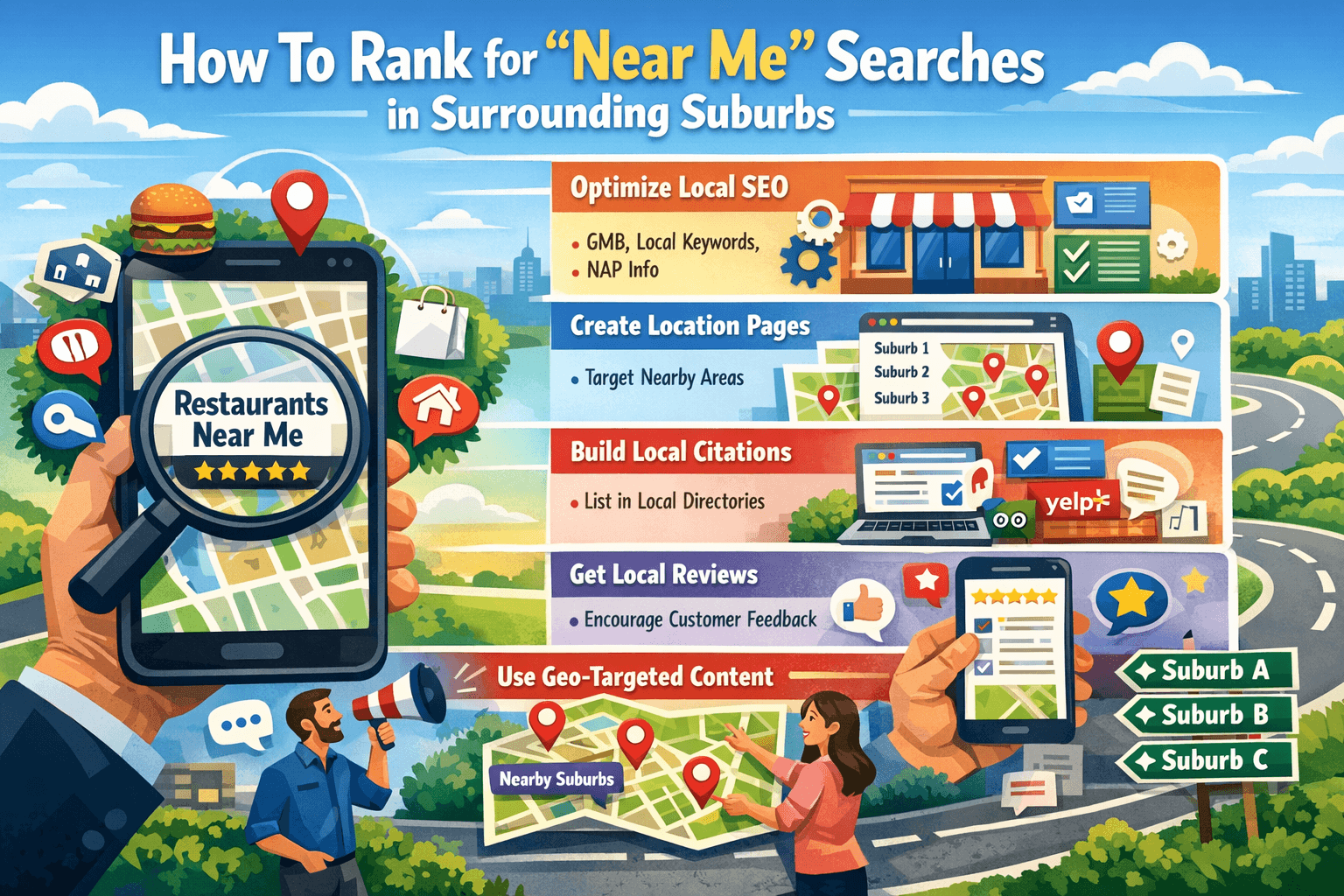
Ranking for “near me” searches across multiple suburbs requires a targeted strategy. You need the right pages, a well-optimized Google Business Profile, and a clean local SEO foundation. Here is how to do each one.
Create Relevant Suburb Location Pages
A suburb location page is a dedicated page on your website targeting a specific geographic area outside your primary service location. These pages tell Google that you serve customers in those areas, which helps your site appear in searches from those suburbs.
Why suburb pages work
Google matches search intent with relevant content. When someone in Greenwood searches “plumber near me,” Google looks for pages that mention Greenwood, plumbing services, and signals that confirm local relevance. A page built around Greenwood gives Google that match. Without it, your site is invisible to that searcher.
Building strong suburb pages follows the same core principles covered in this SEO local page guide — confirming that location-specific content is the foundation of any successful “near me” strategy.
What each suburb page must include
Each location page needs unique, specific content. Do not copy and paste the same text across pages and swap out the suburb name. Google identifies this as thin content and penalizes it or ignores it entirely.
Each page should contain:
- The suburb name in the page title, H1 heading, and first paragraph
- A description of the services you provide in that suburb
- Local references such as nearby landmarks, streets, or community names
- A unique introduction written specifically for that location
- A clear call to action with your phone number or booking link
- An embedded Google Map showing proximity to that suburb
- Customer reviews or testimonials from clients in that area, if available
How to structure suburb pages at scale
If you serve 10 suburbs, you need 10 separate pages. Use a URL structure like /locations/suburb-name to keep them organized. Link to each suburb page from your main services page and your homepage footer. Internal linking tells Google these pages matter.
Example structure for a suburb page
Suppose you run a dental clinic in Springfield and want to rank in Riverside, five kilometers away. Your Riverside page might be titled “Dentist Serving Riverside Patients | Springfield Dental Clinic.” The page content describes your services, mentions travel distance, references a known Riverside street or landmark, and includes a testimonial from a Riverside patient. This approach gives Google specific signals and gives readers a reason to trust you.
Avoid these suburb page mistakes
- Creating pages with fewer than 400 words
- Using identical content across multiple suburb pages
- Forgetting to include the suburb name in the meta description
- Skipping the call to action
- Leaving pages unlinked from the rest of your site
Suburb pages take time to rank, usually three to six months with consistent effort. The payoff is steady organic traffic from areas your competitors have ignored.
Optimize Your Google Business Profile for Broader Visibility
Your Google Business Profile (GBP) is the most powerful tool for local visibility. It controls what appears in Google Maps and the local pack — the three business listings that appear at the top of local search results.
Set your service area correctly
Many businesses only list their home suburb. Expand your service area to include every suburb you realistically serve. Google allows you to list multiple service areas. Go to your GBP dashboard, select “Edit Profile,” then “Location,” and add each suburb individually.
Adding a suburb to your service area does not guarantee you will rank there. It does signal to Google that you operate in those areas, which is a necessary first step.
Use suburb names in your business description
Your GBP description gives you 750 characters. Use them. Write a clear description of your services and naturally include two or three suburb names where you provide those services. Do not stuff keywords. Write it as you would explain your business to a new customer.
Example: “We provide electrical services across Springfield, Riverside, and Maplewood. Our licensed electricians handle residential and commercial work, from repairs to full rewires.”
Post regularly to your GBP
Google Posts are short updates that appear on your profile. Post at least once per week. Include suburb references in your posts where relevant. For example, “We just completed a kitchen renovation for a family in Riverside — here’s what they had to say.” These posts keep your profile active and give Google fresh, location-specific content.
Collect reviews that mention suburb names
Reviews are a ranking factor for local search. Ask satisfied customers to mention their suburb in their review. A review that says “I’m in Maplewood and these guys came out the same day” carries more local relevance than a generic five-star rating.
Respond to every review. Responding signals engagement, which Google rewards with higher visibility.
Add photos tied to your service areas
Upload photos of completed work, your team, or your vehicle in the suburbs you serve. Name your image files descriptively before uploading. For example, fence-installation-riverside.jpg gives Google a small but useful location signal.
Fix Local SEO Problems Blocking Visibility Outside Your Core Area
Even a well-structured suburb page and a complete GBP will underperform if your local SEO has underlying problems. These issues prevent Google from trusting your business information, which limits how far your visibility extends.
Audit your NAP consistency
NAP stands for Name, Address, Phone number. Your NAP must be identical across every platform where your business appears — your website, GBP, Yelp, Facebook, local directories, and industry listings.
Even small differences matter. “St” versus “Street,” or a missing suite number, creates inconsistency. Google uses these signals to verify your business. Inconsistent NAP reduces that trust and limits your reach.
Use a tool like BrightLocal or Moz Local to audit your citations. Fix every discrepancy you find.
Check for duplicate GBP listings
Duplicate listings split your ranking power and confuse Google. Search Google Maps for your business name and check for multiple entries. If duplicates exist, claim them and request removal through Google’s support process.
Improve your website’s page speed
A slow website hurts local rankings. Google measures page experience as part of its ranking algorithm. Run your site through Google PageSpeed Insights. Address the top issues flagged, particularly image sizes, unused scripts, and server response times.
Build local citations in target suburbs
A citation is any online mention of your business name, address, and phone number. Submit your business to suburb-specific directories, local chambers of commerce websites, and community business listings. Focus on directories that serve the suburbs you want to rank in.
Each citation reinforces your presence in that area and helps Google verify your service footprint.
Use schema markup on your location pages
Schema markup is code you add to your website that helps Google understand your content. For local businesses, LocalBusiness schema tells Google your business name, address, phone number, hours, and service area. Add this to every suburb page.
This does not directly boost rankings, but it improves how Google reads and interprets your pages, which supports better local visibility.
Check your website’s mobile performance
Most “near me” searches happen on mobile devices. If your site loads poorly on a phone or is difficult to use on a small screen, users will leave quickly. Google tracks this behavior. A high bounce rate signals that your page did not satisfy the searcher, which hurts your rankings.
Test your site on multiple mobile devices. Fix layout issues, increase tap target sizes, and ensure your phone number is clickable.
Ranking in surrounding suburbs is achievable with consistent, specific effort. Build suburb pages with genuine local content, keep your Google Business Profile active and complete, and resolve any technical issues that limit your credibility with Google. Each of these steps reinforces the others. Together, they give your business a real presence beyond your front door.