
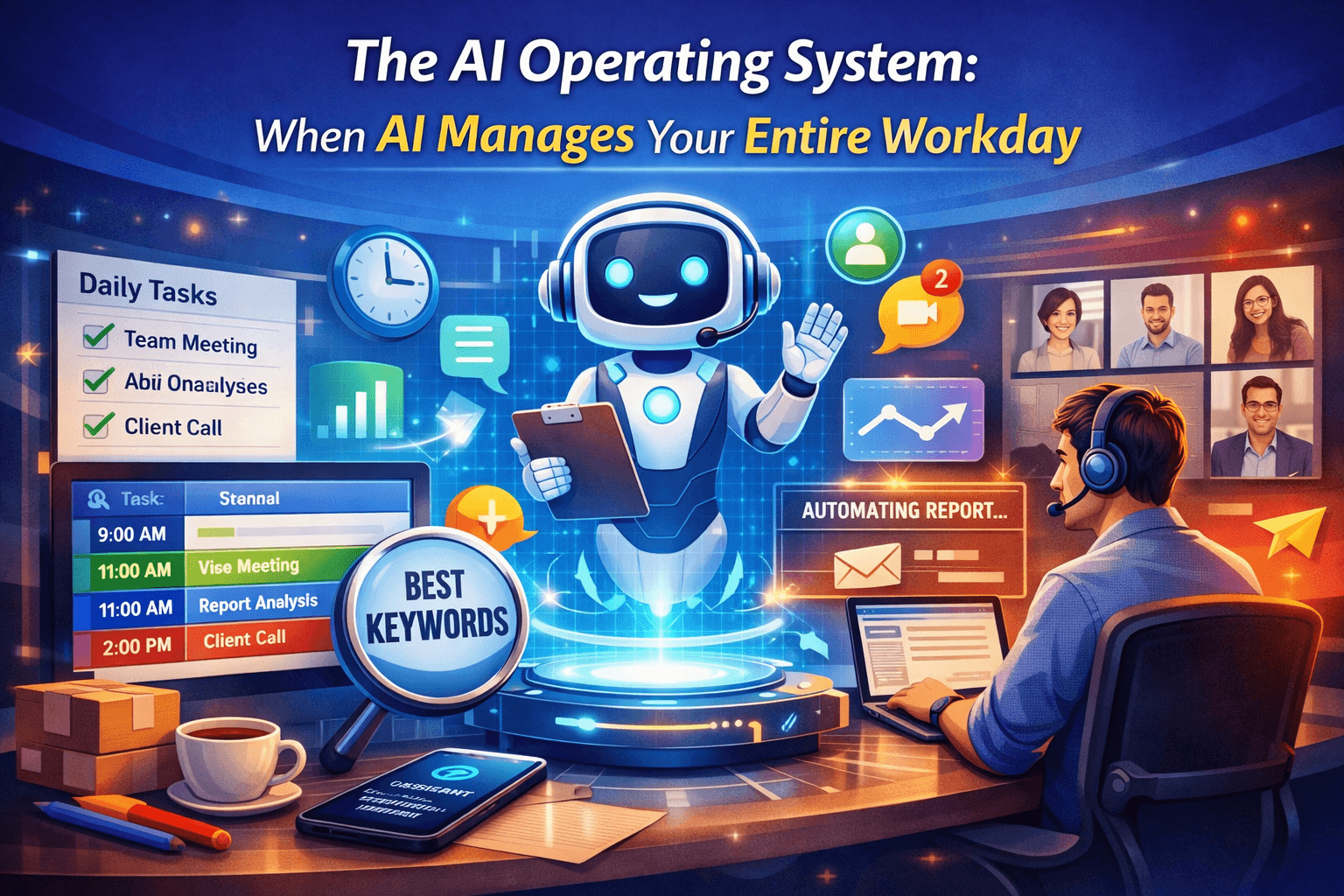
AI Operating System: When AI Manages Your Entire Workday
Gone are the days when professionals used to speed up individual tasks with the help of AI tools. Now, AI tools are not limited to small tasks such as generating a draft, summarizing a document, and answering a question.
The professionals today are running their workday on a connected set of multiple AI tools whose capabilities are not limited to isolated tasks. They are using these systems to automate and handle scheduling, communication, research, and learning simultaneously. This workplace shift is real, and most of the people are talking about it.
In this blog, we are going to understand what an AI operating system is and how it manages your entire workday seamlessly. Let’s get started!
What Is an AI Operating System for Your Workday?
An AI operating system for your workday is a coordinated stack of AI-powered tools that manage the entire workflow. Unlike traditional AI assistants, it combines multiple AI agents into one connected system. Each agent handles a specific responsibility. They share context where possible, and reduce the time you spend on tasks that do not require your direct judgment.
An AI OS is idealized from an operating system in software that acts as the base layer to support applications running on top of it. For a workday, this base layer handles the logistics operations that do not require your thinking, such as time allocation, inbox priority, information retrieval, and skill development. You focus on the work that actually requires your thinking.
The Four Layers of AI Tools Cover in a Managed Workday
1. Scheduling and Time Allocation
AI tools for scheduling simply analyze your calendar history, meeting patterns, and project deadlines. After analysis, they allocate time for different tasks based on the nature and urgency of the task. The result is a calendar that reflects your priorities instead of whoever requested time most recently.
2. Communication and Inbox Triage
AI triage tools learn from your response behavior. How? They analyze which threads you answer within the hour, which ones you defer, and which you never open. They arrange the high-priority threads first and batch the rest.
Instead of spending forty minutes sorting before you can start working, you open your inbox, and the decision has already been made for you.
3. Knowledge and Research Management
Before a meeting or a project session, you normally spend time gathering context: pulling reports, reviewing notes, and checking what competitors have done. AI knowledge management tools do that retrieval in advance, based on what is on your calendar and what you worked on recently. You arrive at work already oriented instead of spending the first twenty minutes getting there.
4. Learning and Skill Development
Learning and skill development are an important layer of an artificial intelligence OS that most professionals skip. This layer is designed with AI-managed learning tools that track what you know and identify the gaps in your work. In addition, they schedule practice sessions around your available time.
What Changes When Your Workflow Runs on AI?
When your workflow starts working on AI, the changes are impressive. One of the most visible and positive changes is that your time is saved for other important tasks that involve your cognitive abilities. The saved hours are the result of removing the friction between what you decide to do and actually doing it.
Another change is an improvement in decision quality. Your cognitive abilities are invested in decision-making instead of tasks that do not need your involvement. You are not fresher because you worked less. You are fresher because you stopped focusing on tasks that did not need it.
Here is a point to be noted: the setup is not instant, as you have to invest your time to teach these tools. Professionals who abandon AI tools in week three do so because they expected the setup to be instant.
The AI Tools and Platforms Powering This Shift
Finding the right tools for each workday layer is itself a time-consuming process if you approach it without a reference point. AIChief solves that problem directly. It’s one of the most comprehensive AI tools directorie that lists over 11,000 manually verified tools across 690+ categories. The tools include productivity, scheduling, knowledge management, and professional development. A human editor reviews each listing before going live, which makes the platform a reliable filter when you are evaluating tools for a specific function.
For the learning layer specifically, Abhyas AI demonstrates how adaptive AI-managed development works in practice. It has machine learning capabilities to detect strong and weak points and creates a custom study plan based on the available time. In addition, it adapts content to your specific weaknesses and not a predetermined program.
It has more than practice questions that students can practice. Students can also connect directly to the experts through the Ask-a-Tutor feature of this platform to clear their doubts. The same adaptive logic that makes exam preparation easy is applied to professional upskilling.
The AI will perform the wrong priorities in the time that you spend on the wrong priorities.
The people who excel with this model first have to put in the effort and figure out what their time will be used for. When that’s done, an AI tool can safeguard it, structure it, and eliminate the overhead. If that wasn’t there, the stack is just as complicated, but it yields no benefits.
How to Build Your AI Workday Stack Without Overcomplicating It
Start with one layer. Identify the part of your workday that costs you the most time for the least return. For most professionals, that is inbox triage. Fix that layer first, get comfortable with the tool, and measure what changes.
Then move to scheduling. Once your time blocks and your inbox are both managed, the cognitive load of your mornings drops noticeably. Add knowledge management after that, and learning last.
Problems with integration are quick to proliferate, and you can no longer determine what is working. When adding one layer at a time, it is easy to see the progress of each addition.
Conclusion
The AI operating system for your workday is not a product announcement or a concept for 2030. Professionals and business owners are building it right now, one layer at a time, using AI tools that already exist. The amount of work that AI can handle is increasing rapidly! The “floor” is the point at which you stop building!
FAQs
What is an AI operating system for work?
It is a coordinated set of AI tools covering scheduling, communication, knowledge retrieval, and learning. Each layer handles a specific workday function, and together they reduce the time spent on low-value tasks.
Which AI tools should I use to manage my workday?
The right tools depend on which layer of your workday costs the most time. Start with inbox triage or scheduling, then add knowledge management and learning. Platforms like AIChief list thousands of verified options across each category.
How does AI manage scheduling and time blocks?
AI scheduling tools analyze your calendar history and behavior patterns to protect focus block. It avoids low-energy deep work sessions and fills gaps with appropriate tasks. They adjust based on how you actually use your time, not just what you put on the calendar.
Can AI tools help with professional learning and upskilling?
Yes. AI-managed learning platforms like Abhyas AI track your knowledge gaps, build a schedule around your available time, and adjust content based on where you are struggling.
Where can I find verified AI tools for workday management?
AIChief runs one of the largest manually verified AI tools directories available, covering over 11,000 tools across 690+ categories. Every listing is reviewed by a human editor, which makes it a reliable starting point.



