Mailchimp Pricing 2026: All Plans, Costs & Hidden Fees Explained
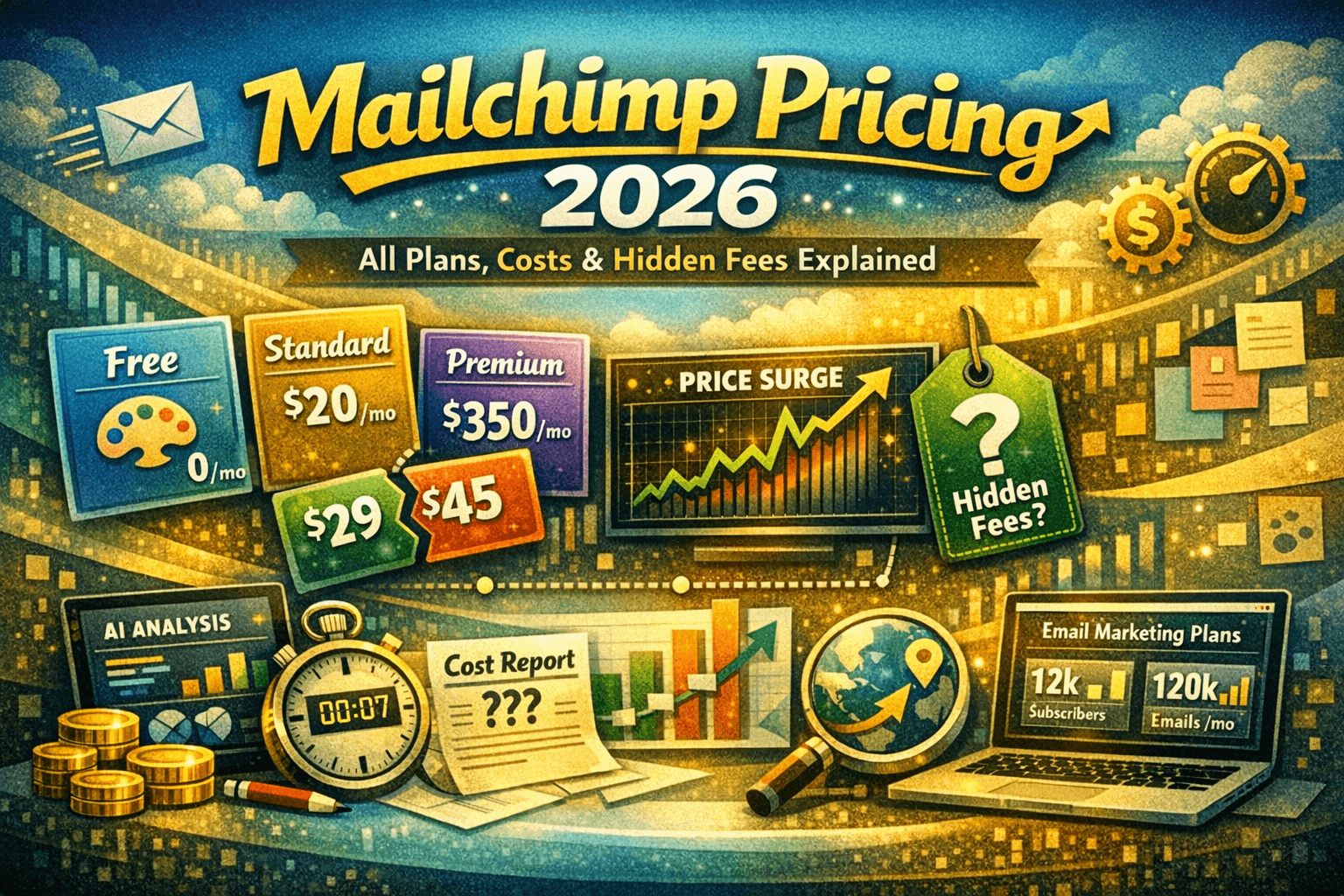
Mailchimp offers four pricing tiers in 2026: Free, Essentials, Standard, and Premium. The Free plan supports up to 500 contacts and 1,000 monthly emails. Essentials starts at around $13/month, Standard at $20/month, and Premium at $350/month — all based on contact count. Pricing scales significantly as your list grows, which can make Mailchimp expensive for larger audiences. The platform includes a 30-day free trial for paid plans. Watch out for hidden costs like overage fees, add-on features, and transactional email charges. For small businesses and solopreneurs, the Free or Essentials plan offers solid value. Larger teams may find better ROI with alternatives like Brevo, Kit, or ActiveCampaign, which offer more automation at lower price points.
Introduction: Why Mailchimp Pricing Gets Complicated
Mailchimp remains one of the most recognized email marketing platforms in the world — but its pricing structure has evolved considerably over the years, and not always in favor of the user. If you search ‘how much does Mailchimp cost,’ you get a deceptively simple answer. The real picture is more nuanced.
This guide breaks down every Mailchimp pricing plan for 2026, what you actually get, what you don’t, the costs that catch people off guard, and whether it’s worth your money compared to competing platforms. Whether you’re a small business owner, freelancer, or marketing manager at a growing company, this article is your definitive resource.
Mailchimp Pricing Plans in 2026: A Full Breakdown
Mailchimp structures its pricing around contact count. The more subscribers you have, the more you pay — across every tier. All prices below reflect the base rate (starting at 500 contacts) and increase as your list grows.
Mailchimp Plan Comparison Table (2026)
| Feature | Free | Essentials | Standard | Premium |
| Starting Price/mo | $0 | ~$13 | ~$20 | ~$350 |
| Contacts (Base) | 500 | 500 | 500 | 10,000+ |
| Monthly Emails | 1,000 | 5,000 | 6,000 | Unlimited |
| Email Templates | Limited | 100+ | 100+ | 100+ |
| A/B Testing | No | Basic | Advanced | Full |
| Automation | Basic | Basic | Advanced | Full |
| Custom Branding | No | Yes | Yes | Yes |
| Send Time Optimization | No | No | Yes | Yes |
| Predictive Segmentation | No | No | Yes | Yes |
| Phone Support | No | First 30 days only | No | Yes |
| Dedicated Onboarding | No | No | No | Yes |
| Mailchimp Branding | Yes | No (paid) | No | No |
| Free Trial | Free forever | 30 days | 30 days | 30 days |
1. Mailchimp Free Plan
The Free plan is Mailchimp’s entry point and it’s genuinely useful for getting started. It allows up to 500 contacts and 1,000 email sends per month — enough for a small newsletter or startup testing the waters.
What you get:
- 500 contact limit (unsubscribes count against this)
- 1,000 monthly email sends
- Basic email templates
- Single-step automations (welcome emails, etc.)
- Marketing CRM and landing pages
- Mailchimp branding on all emails
Pros:
- Zero cost — no credit card required
- Good for solopreneurs and hobbyist bloggers
- Solid drag-and-drop email builder
Cons:
- Mailchimp logo appears on every email
- No A/B testing or advanced automation
- 500-contact ceiling is hit quickly
- No phone or chat support
- Daily send limits apply (500 emails/day)
2. Mailchimp Essentials Plan
Essentials is the entry-level paid tier, starting at around $13/month for 500 contacts. The price climbs steeply — at 5,000 contacts, you’re looking at roughly $75/month, and at 50,000 contacts, closer to $270/month.
What you get:
- All Free plan features
- Remove Mailchimp branding
- Access to all email templates
- 24/7 email and chat support
- Phone support for the first 30 days only
- 3 audiences (lists)
Pros:
- Removes Mailchimp branding for professional emails
- Affordable entry point for small businesses
- Access to email + chat support
Cons:
- No A/B testing, send time optimization, or behavioral segmentation
- Price escalates fast with list growth
- Phone support disappears after 30 days
3. Mailchimp Standard Plan
The Standard plan is where Mailchimp starts to feel like a professional marketing platform. Starting at ~$20/month for 500 contacts (roughly $100/month at 5,000 contacts), it unlocks the tools that actually move the needle — automation journeys, A/B testing, and predictive segmentation.
What you get:
- Everything in Essentials
- Advanced automation (multi-step customer journeys)
- Send time optimization powered by AI
- Predictive segmentation and lookalike audience tools
- Retargeting ads on Google, Facebook, and Instagram
- 5 audiences (lists)
- Custom templates
Pros:
- Best value plan for growing businesses
- AI-powered send time and content optimization
- Advanced segmentation helps improve open rates
- Dynamic content based on subscriber behavior
Cons:
- Still no phone support after the first 30 days
- Cost can exceed $100–200/month quickly as list grows
- Compared to alternatives, automation depth is still limited
4. Mailchimp Premium Plan
Premium is designed for large organizations with complex marketing needs. It starts at $350/month for 10,000 contacts and can easily reach thousands of dollars per month at scale. This tier unlocks everything Mailchimp offers.
What you get:
- Everything in Standard
- Unlimited audiences
- Phone support (all the time, not just 30 days)
- Dedicated account manager and onboarding support
- Advanced multivariate testing
- Comparative reporting across campaigns
- Priority queue access
Pros:
- Full feature access with no restrictions
- Dedicated onboarding — ideal for large teams
- Multivariate testing to run complex experiments
Cons:
- Expensive — $350/month minimum is steep for mid-market businesses
- At this price, platforms like HubSpot or ActiveCampaign offer more CRM depth
- Some users report support quality doesn’t match the price tag
Hidden Costs, Overage Fees & Things Nobody Tells You
This is where many users get burned. Mailchimp’s advertised pricing is only part of the story.
- Unsubscribed contacts still count: Contacts who opt out remain counted in your list total, pushing you into a higher pricing tier. You must manually archive them.
- Transactional emails are separate: Mailchimp Transactional (formerly Mandrill) is a completely separate paid add-on. It starts at $20/month for 25,000 emails and is not included in any standard plan.
- Overage email sends: If you exceed your monthly send limit, Mailchimp charges per additional email sent.
- SMS marketing is an add-on: SMS messaging through Mailchimp costs extra and is billed per message, not per month.
- Multiple audiences cost more: The Free plan gives you 1 audience, Essentials gives 3, Standard gives 5. If you need to segment by brand or product line, you might be forced into a higher tier.
- Annual billing discount: Mailchimp offers roughly a 15% discount when you pay annually instead of month-to-month. Worth considering if you’re committed to the platform.
Mailchimp Free Trial: What to Expect
All three paid plans — Essentials, Standard, and Premium — come with a 30-day free trial. No credit card is required to start. During the trial, you get full access to the plan’s features. After 30 days, you’re automatically downgraded to the Free plan unless you enter payment details.
The Free plan itself acts as a permanent freemium tier, making it easy to test the basic product indefinitely. For teams evaluating paid features specifically, the 30-day trial is a reasonable window — just be aware that you need a real audience to properly test segmentation and automation logic.
Is Mailchimp Worth It in 2026?
The honest answer: it depends on where you are in your business journey.
Mailchimp is worth it if you:
- Are just starting out and want a well-known, reliable email platform
- Have a list under 1,000 and want to use the Free plan indefinitely
- Need a polished drag-and-drop builder with solid deliverability
- Already use other Intuit products (QuickBooks, etc.) and want integration
Mailchimp may NOT be worth it if you:
- Have a growing list (2,500+) — pricing becomes uncompetitive fast
- Need deep automation workflows — competitors do it better for less
- Rely on transactional email — the add-on pricing is frustrating
- Want robust CRM features built into your email tool
The platform excels at ease of use and brand trust, but it’s no longer the clear value leader it once was. For users with lists over 5,000 and serious automation needs, the math often favors switching.
Best Mailchimp Alternatives in 2026
If Mailchimp’s pricing doesn’t fit your needs, here are the top alternatives worth considering:
| Platform | Starting Price | Best For | Key Advantage vs. Mailchimp |
| Brevo (Sendinblue) | Free / $9/mo | High-volume senders | Charges by email sends, not contacts — much cheaper at scale |
| Kit (ConvertKit) | Free / $25/mo | Creators & bloggers | Superior automation, tag-based system, built for creators |
| ActiveCampaign | ~$15/mo | Advanced automation | Deep CRM + automation at lower cost than Mailchimp Premium |
| MailerLite | Free / $10/mo | Budget-conscious SMBs | More generous free plan (1,000 contacts), cheaper paid tiers |
| Klaviyo | Free / $20/mo | E-commerce brands | Tighter Shopify/WooCommerce integration, better revenue attribution |
| GetResponse | ~$19/mo | Webinars + email | Includes landing pages, webinars, and funnels at base price |
Frequently Asked Questions (FAQ)
Q: Does Mailchimp have a free plan?
Yes. Mailchimp’s Free plan allows up to 500 contacts and 1,000 email sends per month with no time limit. It includes basic templates and single-step automations, but comes with Mailchimp branding on emails.
Q: How much does Mailchimp cost per month?
Mailchimp pricing starts at $0 (Free), ~$13/month (Essentials), ~$20/month (Standard), and ~$350/month (Premium) — all based on 500 contacts. Costs scale significantly with list size.
Q: Does Mailchimp charge for unsubscribed contacts?
Yes — by default, unsubscribed contacts remain in your audience count. You need to manually archive or delete them to reduce your contact count and avoid being charged at a higher tier.
Q: Is there a Mailchimp free trial for paid plans?
Yes. All paid plans come with a 30-day free trial. No credit card is required, and you get full access to the plan’s features during the trial period.
Q: Is Mailchimp good for e-commerce?
Mailchimp integrates with Shopify, WooCommerce, and other e-commerce platforms. However, for serious e-commerce automation — abandoned cart flows, product recommendation emails, and revenue tracking — Klaviyo typically outperforms Mailchimp at a similar price point.
Q: Can I switch Mailchimp plans anytime?
Yes. You can upgrade or downgrade your plan at any time. If you downgrade, changes take effect at the start of your next billing cycle. Annual plan users may face pro-rated adjustments.
Q: What are the cheapest Mailchimp alternatives?
MailerLite and Brevo (Sendinblue) are the most affordable alternatives. MailerLite’s free plan supports 1,000 contacts (double Mailchimp’s), while Brevo’s pricing is based on email volume rather than contact count, making it far cheaper for large lists.
Q: Does Mailchimp include landing pages?
Yes — all Mailchimp plans, including Free, include basic landing page creation. However, the customization options are more limited compared to dedicated landing page tools like Unbounce or GetResponse.
Final Verdict: Choosing the Right Mailchimp Plan
Mailchimp is a solid choice if you value ease of use, brand recognition, and an all-in-one dashboard. Its Free plan is genuinely useful for early-stage businesses, and the Standard plan offers real marketing firepower for growing brands.
That said, the contact-based pricing model punishes list growth, and hidden costs like transactional email and SMS add-ons can inflate your real monthly spend considerably. If your list is growing past 5,000 contacts, or if automation depth is a priority, the value proposition weakens fast.
Run a 30-day trial, do the math for your specific list size, and compare that number against what Brevo, MailerLite, or ActiveCampaign would charge you for the same usage. In many cases, you’ll find meaningful savings without sacrificing deliverability or features.