
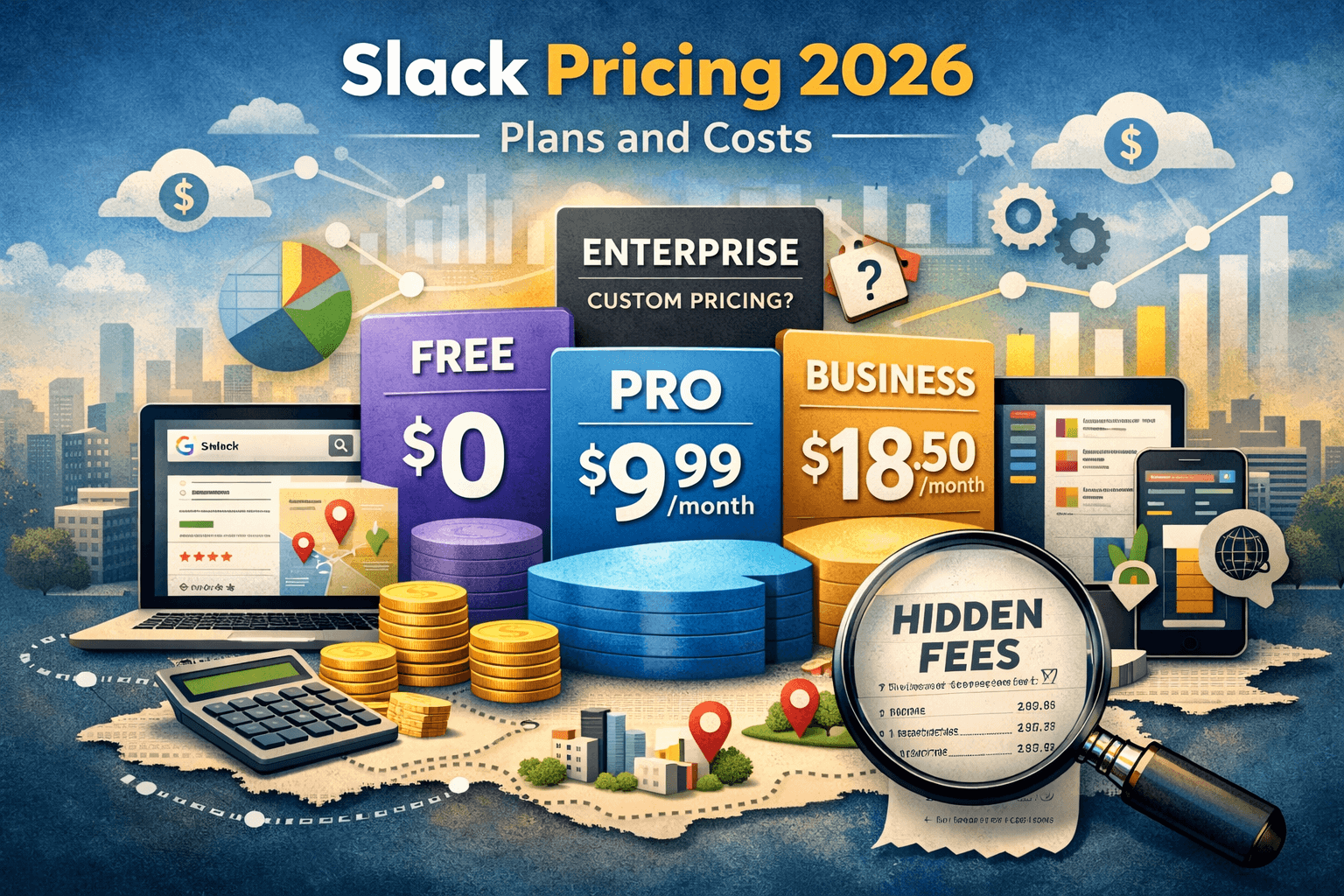
Slack Pricing Explained (2026): Plans, Features & Hidden Costs
Slack pricing starts with a free plan for basic messaging and collaboration, while paid plans unlock advanced features like unlimited message history, AI-powered search, workflow automation, and enterprise-grade security. Businesses often choose Slack Pro or Business+ depending on team size, integrations, and communication needs.
Slack pricing includes four plans: Free (limited history), Pro at $7.25/user/month (annual), Business+ at $15/user/month with full AI and compliance tools, and Enterprise+ at custom pricing for large organizations. Annual billing saves around 20% over monthly. Most growing teams find the Pro or Business+ plan offers the best balance of features and cost.
Team communication platforms have become essential for modern businesses, remote teams, startups, agencies, and even freelancers. Among the most recognized collaboration tools in the market, Slack remains one of the leading choices because of its ease of use, integrations, channels, workflow automation, and scalable collaboration environment.
However, one of the most common questions businesses ask before adopting the platform is simple:
How much does Slack actually cost, and which plan offers the best value?
The answer is not always straightforward because Slack pricing depends on several factors, including team size, collaboration needs, compliance requirements, message history access, and advanced AI or automation features.
In this complete guide, we’ll break down Slack pricing plans, compare features, analyze real business use cases, discuss hidden costs, and help you determine whether Slack is worth the investment for your organization.
What Is Slack?
Slack Official Website is a cloud-based business communication platform designed to replace traditional workplace emails with real-time collaboration.
Teams can communicate through:
- Channels
- Direct messages
- Audio and video calls
- Workflow automation
- File sharing
- App integrations
- AI-powered search and summaries
Slack is widely used by:
- Remote teams
- SaaS companies
- Marketing agencies
- Customer support departments
- Software development teams
- Enterprises with distributed workforces
Its biggest advantage is centralizing communication into organized channels instead of scattered email chains.
Slack Pricing Plans Overview
Slack currently offers four primary pricing tiers:
| Plan | Best For | Starting Price | Key Features |
|---|---|---|---|
| Free | Small teams & personal use | Free | Limited message history, basic integrations |
| Pro | Small businesses | Per-user monthly pricing | Unlimited history, integrations, huddles |
| Business+ | Growing organizations | Higher per-user pricing | Advanced security, analytics |
| Enterprise Grid | Large enterprises | Custom pricing | Enterprise-level compliance & scalability |
The actual monthly cost can increase significantly depending on team size and optional add-ons.
Slack Free Plan: What You Actually Get
The free version is often where most teams begin.
For startups or small teams with fewer than 10 members, the free plan can feel surprisingly capable initially.
Key Features Included
- Basic messaging
- Limited message history
- File sharing
- 1-on-1 huddles
- Limited integrations
- Basic search functionality
Where the Free Plan Becomes Limiting
The biggest issue many teams encounter is message history restrictions.
Imagine a marketing agency running multiple client campaigns. After a few months, older conversations, campaign approvals, and uploaded files may become difficult to access efficiently. Teams then waste time searching through fragmented communication records.
Another challenge is integration limits. Businesses using tools like:
often outgrow the free plan quickly because workflow automation becomes increasingly important.
Who Should Use Slack Free?
The free plan works best for:
- Freelancers
- Student groups
- Small startup teams
- Hobby projects
- Very early-stage businesses
If your organization depends heavily on searchable communication history, you will likely need an upgrade sooner rather than later.
Slack Pro Pricing Explained
The Pro plan is where Slack becomes truly useful for business operations.
This plan is designed for growing teams that need reliable communication infrastructure without enterprise-level compliance features.
Major Features Included
Unlimited Message History
This alone becomes a major productivity improvement.
Many businesses underestimate how frequently employees search old discussions, files, approvals, and shared links. Unlimited history eliminates information loss and improves organizational knowledge retention.
Unlimited App Integrations
Businesses can connect tools like:
This creates a centralized collaboration environment where notifications, approvals, tickets, and updates appear automatically.
Group Huddles and Collaboration
Teams can quickly jump into voice discussions without scheduling formal meetings.
For remote businesses, this reduces communication friction dramatically.
A Practical Business Example
A small SEO agency managing multiple clients may create dedicated Slack channels for:
- Content planning
- Link-building coordination
- Client approvals
- Technical SEO discussions
- Reporting workflows
Instead of relying on scattered emails, the team centralizes communication into searchable conversations.
Over time, productivity improves because employees spend less time searching for information and more time executing tasks.
This operational efficiency is often the biggest reason businesses justify Slack’s pricing.
Slack Business+ Pricing
The Business+ plan targets organizations with larger operational complexity.
As companies grow, concerns around:
- Security
- Compliance
- User management
- Data retention
- Analytics
- Access controls
become increasingly important.
Features Included in Business+
Advanced User Management
Administrators gain stronger control over permissions and employee access.
Enhanced Security
This includes features such as:
- SAML-based single sign-on
- Data export controls
- Advanced authentication
- Compliance support
Analytics and Insights
Managers can better understand workspace engagement and team collaboration efficiency.
Better Support
Growing organizations often require faster customer support response times, especially when communication tools become mission-critical.
Slack Enterprise Grid Pricing
Enterprise Grid is designed for very large organizations.
Pricing is custom-based and usually depends on:
- Employee count
- Security requirements
- Compliance needs
- Integration complexity
- Data governance requirements
Large corporations often operate multiple departments, regions, or subsidiaries. Enterprise Grid allows them to maintain separate workspaces while still enabling centralized governance.
Enterprise-Level Features
- Advanced compliance
- Legal hold
- Enterprise mobility management
- Organization-wide administration
- Unlimited scalability
- Dedicated support
Industries commonly using Enterprise Grid include:
- Finance
- Healthcare
- Government contractors
- Global SaaS companies
- Large technology enterprises
Slack AI Features and Additional Costs
Slack has increasingly integrated AI-powered features into its platform.
These may include:
- AI summaries
- Smart search
- Conversation recaps
- Workflow recommendations
However, businesses should understand that AI features may involve additional pricing or limited availability depending on the plan.
For organizations handling large volumes of communication daily, AI summaries can save significant time.
For example, project managers returning from vacation can instantly review summarized discussions instead of reading hundreds of messages manually.
Hidden Costs Businesses Often Ignore
Many businesses only calculate Slack’s base subscription cost.
However, real operational expenses may include:
Paid Integrations
Some third-party apps connected to Slack require separate subscriptions.
User Expansion
Costs rise quickly as companies hire more employees because pricing is usually per user.
Workflow Automation Tools
Advanced automation setups may involve additional SaaS costs.
Training and Onboarding
Large organizations may need internal onboarding sessions to ensure employees properly use channels, workflows, and integrations.
Slack Pricing vs Competitors
Slack vs Microsoft Teams
Microsoft Teams is often bundled with Microsoft 365 subscriptions, making it attractive for businesses already using Microsoft products.
| Feature | Slack | Microsoft Teams |
|---|---|---|
| Ease of Use | Excellent | Moderate |
| Integrations | Extensive | Strong Microsoft ecosystem |
| Interface | Cleaner | More enterprise-focused |
| Included with Office Apps | No | Yes |
| Flexibility | Very High | Moderate |
Teams may appear cheaper initially because it comes bundled with existing Microsoft subscriptions.
However, many users still prefer Slack for its cleaner interface and better user experience.
Slack vs Discord
Discord is popular among gaming communities and increasingly among startups.
| Feature | Slack | Discord |
|---|---|---|
| Business Features | Strong | Limited |
| Security Controls | Advanced | Basic |
| Enterprise Readiness | Excellent | Moderate |
| Voice Channels | Good | Excellent |
| Professional Environment | Strong | Casual |
Discord can work for smaller startup communities, but Slack remains more professional for business environments.
Slack vs Google Chat
Google Chat integrates naturally with Google Workspace.
It may suit businesses heavily dependent on Gmail, Docs, and Meet.
However, Slack still generally offers:
- Better integrations
- More mature workflows
- Stronger customization
- Larger app ecosystem
Is Slack Worth the Price?
The answer depends entirely on how your organization communicates.
Slack Is Worth It If:
- Your team works remotely
- Communication speed matters
- You use many SaaS tools
- Collaboration happens daily
- You want centralized workflows
- You value searchable communication
Slack May Not Be Worth It If:
- Your team rarely collaborates online
- You already rely heavily on Microsoft Teams
- Budget is extremely limited
- Communication is minimal
A Common Mistake Businesses Make
One mistake many growing companies make is staying on the free plan for too long.
Initially, the free version feels sufficient. But as communication scales, teams lose access to older information, creating confusion and inefficiency.
In many cases, the time employees waste searching for missing information costs more than the subscription itself.
This becomes especially noticeable for:
- Agencies
- Development teams
- Customer support operations
- Remote organizations
Best Slack Plan by Business Type
| Business Type | Recommended Plan |
|---|---|
| Freelancers | Free |
| Small startups | Pro |
| Marketing agencies | Pro or Business+ |
| SaaS companies | Business+ |
| Large enterprises | Enterprise Grid |
| Remote-first companies | Pro or Business+ |
How to Reduce Slack Costs
Businesses can optimize Slack expenses using several strategies.
Remove Inactive Users
Old employee accounts may continue generating unnecessary costs.
Audit Integrations
Only maintain integrations actively used by teams.
Use Shared Channels Wisely
Avoid excessive workspace duplication.
Combine Communication Workflows
Centralizing notifications reduces operational clutter.
Slack for Remote Work
Slack became especially important during the global remote work shift.
For distributed teams across multiple time zones, Slack enables:
- Async communication
- Faster decision-making
- Organized project discussions
- Reduced email dependency
Many companies now treat Slack as their operational headquarters rather than simply a messaging app.
Security and Compliance Considerations
Larger organizations increasingly prioritize compliance.
Slack supports features like:
- Data encryption
- Identity management
- Compliance exports
- Enterprise governance
For regulated industries, these features may justify higher-tier pricing.
Final Thoughts
Slack remains one of the strongest collaboration platforms available today.
Its pricing may initially appear expensive compared to basic messaging tools, but the real value comes from:
- Productivity improvements
- Faster collaboration
- Centralized communication
- Workflow automation
- Reduced operational friction
For small teams, the free plan provides a good starting point.
For growing businesses, the Pro plan often delivers the best balance between cost and functionality.
Meanwhile, larger organizations benefit from the governance, security, and scalability offered by Business+ and Enterprise Grid.
Ultimately, the right Slack plan depends less on the subscription price and more on how efficiently your team collaborates every day.
Frequently Asked Questions
Is Slack free to use?
Yes, Slack offers a free plan with basic messaging and collaboration features. However, message history, integrations, and advanced tools are limited compared to paid plans.
What is the cheapest paid Slack plan?
The Pro plan is usually the most affordable paid option and includes unlimited message history, app integrations, and enhanced collaboration features.
Does Slack charge per user?
Yes, Slack pricing is generally based on a per-user monthly billing structure. Costs increase as more team members are added.
Is Slack better than Microsoft Teams?
It depends on your business environment. Slack is often preferred for usability and integrations, while Microsoft Teams works well for organizations already using Microsoft 365.
Can small businesses use Slack effectively?
Absolutely. Small businesses often benefit from organized communication, quick collaboration, and integration with productivity tools.
Does Slack offer annual discounts?
Yes, businesses typically save money by choosing annual billing instead of monthly subscriptions.
Is Slack secure for enterprise companies?
Yes, Slack includes enterprise-grade security features such as encryption, SSO authentication, compliance tools, and administrative controls.
What happens if you exceed Slack free plan limits?
Older messages and certain advanced collaboration features become inaccessible until you upgrade to a paid plan.
Does Slack work well for remote teams?
Yes, Slack is widely considered one of the best communication platforms for remote and distributed teams.
Are Slack integrations free?
Some integrations are free, while others may require separate paid subscriptions depending on the connected software.



