
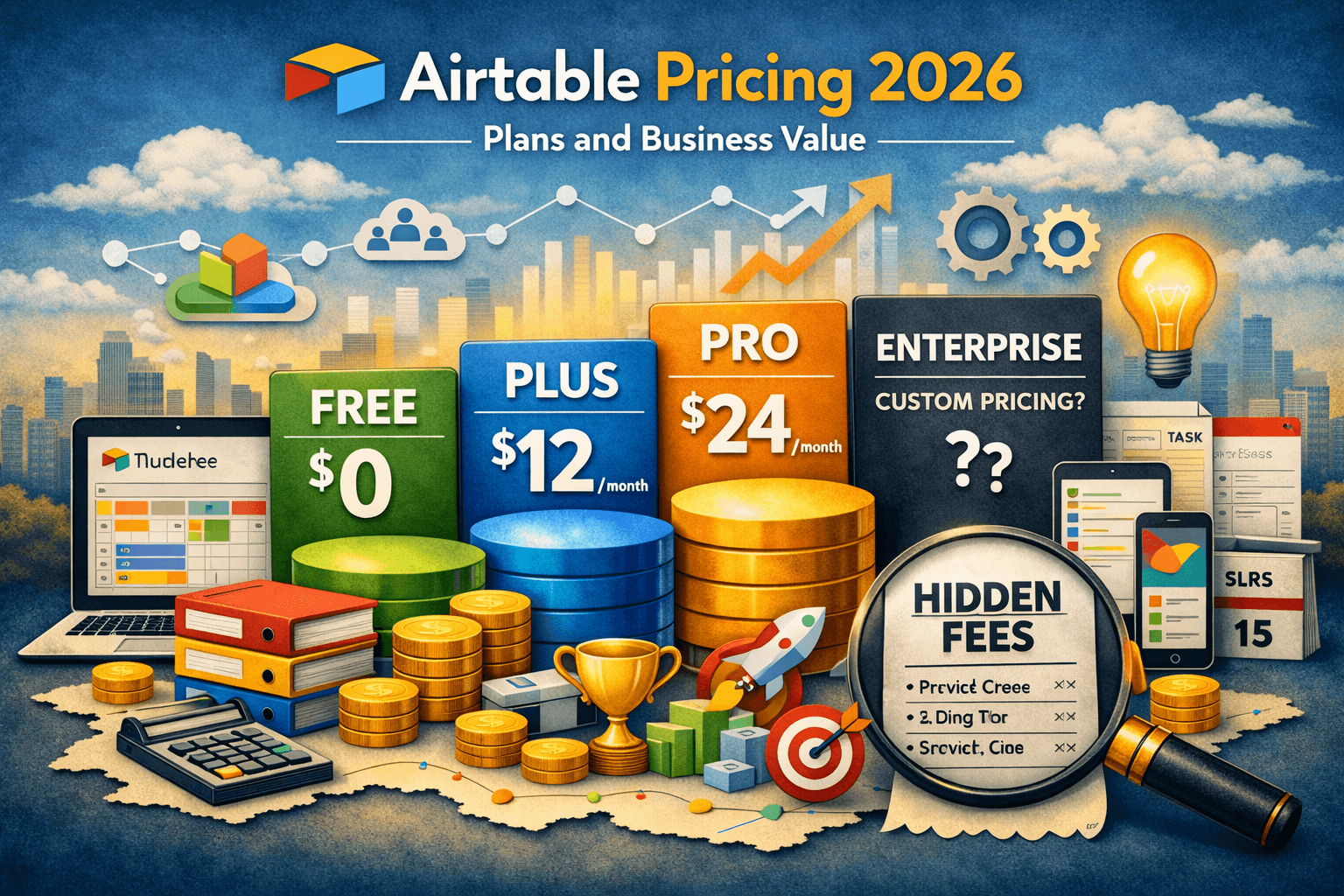
Airtable Pricing: Complete Guide to Plans, Features, Costs, and Business Value
Airtable pricing ranges from a free plan for individuals and startups to advanced enterprise solutions for large organizations needing automation, collaboration, and scalable databases. Paid plans unlock increased records, advanced views, AI features, workflow automation, integrations, and stronger administrative controls, making Airtable suitable for project management, CRM systems, marketing operations, and business workflows.
Modern businesses no longer rely only on spreadsheets for organizing data and workflows. Teams now need collaborative platforms that combine databases, project management, automation, and team coordination into a single workspace.
This is where Airtable has become one of the most popular no-code productivity tools in the market.
From startups and marketing agencies to enterprise organizations, Airtable is used for:
- Project management
- Content planning
- CRM systems
- Inventory tracking
- Workflow automation
- Product development
- Internal operations
However, one of the biggest questions businesses ask before adopting the platform is:
How much does Airtable actually cost, and which pricing plan offers the best value?
The answer depends heavily on your team size, workflow complexity, automation needs, record limits, and collaboration requirements.
In this complete Airtable pricing guide, we’ll break down every major plan, compare features, explain hidden costs, discuss business use cases, and help you decide which Airtable subscription is worth your investment.
What Is Airtable?
Airtable Official Website is a cloud-based collaboration platform that combines the simplicity of spreadsheets with the power of relational databases.
Unlike traditional spreadsheets, Airtable allows users to:
- Link records between tables
- Create custom workflows
- Build automated processes
- Organize collaborative projects
- Visualize data in multiple views
- Integrate third-party apps
- Build no-code operational systems
Businesses often use Airtable as a hybrid between:
- Excel
- Databases
- CRM tools
- Project management software
- Automation platforms
This flexibility is one of the main reasons Airtable pricing can scale quickly depending on organizational needs.
Read More: BackToFrontShow Pricing (2026) – Plans, Costs, Hidden Fees & Is It Worth It?
Airtable Pricing Plans Overview
Airtable generally offers four main pricing tiers.
| Plan | Best For | Starting Cost | Main Features |
|---|---|---|---|
| Free | Individuals & startups | Free | Basic collaboration & limited records |
| Team | Small businesses | Mid-range pricing | Increased records & automation |
| Business | Growing organizations | Higher pricing | Advanced admin & scaling features |
| Enterprise Scale | Large enterprises | Custom pricing | Enterprise governance & security |
Pricing usually depends on:
- Number of users
- Workspace scale
- Automation usage
- Storage requirements
- Enterprise compliance needs
Airtable Free Plan Explained
The Free plan is where most users start experimenting with Airtable.
For solo entrepreneurs or small startup teams, it can feel surprisingly powerful initially.
Features Included
The free version generally includes:
- Basic databases
- Grid views
- Kanban views
- Calendar views
- Collaboration tools
- Limited automation runs
- Basic integrations
This is enough for simple use cases like:
- Editorial calendars
- Task management
- Simple CRM tracking
- Content workflows
- Event planning
Where the Free Plan Becomes Limiting
As workflows grow, businesses quickly encounter limitations.
Common issues include:
- Record caps
- Storage restrictions
- Limited automation runs
- Reduced advanced permissions
- Restricted collaboration scaling
For example, a digital marketing agency managing dozens of clients may rapidly exceed free plan limits when storing campaign assets, reports, and task histories.
Many growing businesses upgrade because operational complexity increases faster than expected.
Airtable Team Plan Pricing
The Team plan is designed for growing teams needing stronger collaboration and scalability.
This is often considered the best balance between affordability and functionality.
Best For
- Marketing teams
- Startups
- Agencies
- Remote teams
- Operations management
Features Included
- Increased record limits
- Expanded automation runs
- Advanced syncing
- Timeline views
- Gantt-style project tracking
- Enhanced collaboration
- Larger attachment storage
Why Businesses Upgrade to Team Plans
Many companies initially treat Airtable like a spreadsheet.
Over time, however, they begin using it for:
- Client management
- Workflow approvals
- Product roadmaps
- Content pipelines
- Recruitment systems
As data grows, advanced collaboration becomes increasingly important.
Imagine a content marketing agency managing:
- Writers
- Editors
- SEO specialists
- Client approvals
- Publishing schedules
Using Airtable’s relational databases and workflow views dramatically reduces operational confusion.
The Team plan becomes valuable because it allows workflows to scale without relying on disconnected spreadsheets.
Airtable Business Plan Pricing
The Business plan targets organizations requiring more sophisticated operational systems.
This is where Airtable evolves beyond a project management tool and becomes an operational platform.
Best For
- Mid-sized companies
- Product teams
- Large marketing departments
- SaaS businesses
- Operations-heavy organizations
Features Included
- Advanced admin permissions
- Greater scalability
- Enterprise integrations
- Enhanced automation
- Advanced reporting
- App sandbox environments
- Expanded synchronization
Operational Complexity Changes Everything
As businesses scale, workflows become harder to manage manually.
For example:
A SaaS company may use Airtable for:
- Product development tracking
- Customer onboarding
- Internal support systems
- Bug reporting
- Marketing coordination
- Sales pipeline management
Without centralized systems, departments become disconnected.
Airtable Business helps consolidate workflows into one operational ecosystem.
This often improves:
- Team visibility
- Communication
- Project tracking
- Task accountability
- Reporting accuracy
Airtable Enterprise Scale Pricing
Enterprise Scale is designed for very large organizations needing:
- Enterprise-grade security
- Compliance controls
- Advanced governance
- Scalable administration
- Dedicated infrastructure support
Pricing is custom-based depending on organizational requirements.
Enterprise Features Included
Enterprise customers often receive:
- Advanced user provisioning
- Single sign-on (SSO)
- Audit logs
- Data governance controls
- Enterprise API access
- Dedicated customer success
- Security administration
- Enterprise integrations
Industries commonly using Airtable Enterprise include:
- Healthcare
- Finance
- Technology
- Media organizations
- Large retail companies
Airtable AI Features and Additional Costs
Airtable has increasingly introduced AI-powered functionality.
These tools may include:
- AI-generated summaries
- Content assistance
- Workflow recommendations
- Automated categorization
- Data organization support
However, advanced AI functionality may involve:
- Usage limits
- Additional pricing
- Higher-tier requirements
For teams managing large operational databases, AI automation can significantly reduce repetitive work.
Hidden Airtable Costs Businesses Often Ignore
One mistake businesses make is focusing only on subscription pricing.
Operational costs can increase due to:
User Expansion
Per-user billing becomes expensive as organizations scale.
Automation Usage
Heavy automation workflows may require higher-tier plans.
Storage Requirements
Media-heavy businesses often consume storage rapidly.
Third-Party Integrations
Many connected tools require separate subscriptions.
Examples include:
Airtable vs Competitors
Airtable vs Notion
Notion is one of Airtable’s biggest competitors.
| Feature | Airtable | Notion |
|---|---|---|
| Database Power | Excellent | Moderate |
| Flexibility | Very High | High |
| Document Creation | Moderate | Excellent |
| Automation | Strong | Growing |
| Learning Curve | Moderate | Moderate |
Notion works well for documentation-heavy teams, while Airtable is often stronger for structured data workflows.
Airtable vs Asana
Asana focuses more directly on project management.
| Feature | Airtable | Asana |
|---|---|---|
| Database Features | Excellent | Limited |
| Task Management | Strong | Excellent |
| Workflow Flexibility | Very High | Moderate |
| Automation | Advanced | Strong |
| Custom Systems | Excellent | Moderate |
Businesses wanting custom operational systems often prefer Airtable.
Airtable vs Monday.com
Monday.com offers similar collaboration features.
| Feature | Airtable | Monday.com |
|---|---|---|
| Interface Flexibility | Excellent | Strong |
| Database Capabilities | Superior | Moderate |
| Ease of Use | Moderate | Easier |
| Enterprise Scaling | Strong | Strong |
| Automation | Advanced | Advanced |
Monday.com may feel easier initially, while Airtable offers deeper customization.
Real Workflow Example
A remote marketing company managing SEO campaigns may use Airtable for:
- Keyword tracking
- Content planning
- Link-building outreach
- Client approvals
- Reporting workflows
- Team assignments
Instead of juggling multiple spreadsheets, Airtable centralizes operations into linked databases.
This reduces:
- Missed deadlines
- Communication confusion
- Duplicate work
- Reporting inconsistencies
Over time, the operational efficiency often justifies Airtable pricing.
Why Startups Love Airtable
Startups frequently adopt Airtable because it allows rapid system building without hiring developers.
Teams can quickly create:
- Internal CRMs
- Hiring pipelines
- Product databases
- Investor tracking systems
- Customer onboarding workflows
This flexibility reduces reliance on expensive custom software early in company growth.
Airtable for Marketing Teams
Marketing departments often use Airtable extensively because campaigns involve many moving parts.
Common Airtable marketing workflows include:
- Editorial calendars
- Social media scheduling
- Campaign approvals
- Asset management
- Influencer tracking
- SEO coordination
Its collaborative visibility helps managers monitor deadlines and content production efficiently.
Airtable Automation Features
Automation is one of Airtable’s strongest selling points.
Businesses can automate tasks like:
- Status updates
- Notifications
- Data syncing
- Task creation
- Approval workflows
- Email alerts
For example, when a content article changes from “Draft” to “Approved,” Airtable can automatically notify editors or clients.
This reduces repetitive manual work.
Is Airtable Worth the Price?
For many businesses, yes.
Airtable becomes especially valuable when teams need:
- Flexible workflows
- Collaborative databases
- Automation systems
- Centralized operations
- Custom organizational structures
However, smaller teams with basic needs may find free or simpler tools sufficient.
Common Mistakes Businesses Make
Treating Airtable Like Excel
Many users fail to utilize relational database functionality fully.
Overbuilding Workflows
Complex systems can become difficult to maintain.
Ignoring User Costs
Per-seat pricing scales quickly with larger teams.
Poor Permission Management
Improper access controls may create workflow confusion.
Best Airtable Plan by User Type
| User Type | Recommended Plan |
|---|---|
| Freelancers | Free |
| Small startups | Team |
| Marketing agencies | Team or Business |
| SaaS companies | Business |
| Enterprise operations | Enterprise Scale |
| Remote teams | Team |
Security and Compliance
Airtable offers multiple security features depending on plan level.
These may include:
- Data encryption
- SSO authentication
- User permissions
- Audit logs
- Administrative controls
- Enterprise governance
For larger organizations handling sensitive operational data, these features become increasingly important.
Final Thoughts
Airtable has evolved far beyond a simple spreadsheet replacement.
Today, it functions as a powerful operational platform capable of supporting:
- Project management
- Workflow automation
- Team collaboration
- Database management
- Marketing operations
- CRM systems
- Internal business processes
Its pricing may initially seem high compared to basic productivity tools, but many organizations justify the cost through:
- Improved operational efficiency
- Better workflow visibility
- Reduced manual processes
- Enhanced collaboration
- Scalable system building
For individuals and small teams, the Free plan provides an excellent starting point.
Growing organizations often find the Team plan offers the best balance between cost and functionality.
Meanwhile, larger businesses benefit most from Business and Enterprise features focused on governance, automation, and scalability.
Ultimately, the best Airtable pricing plan depends on how deeply your organization relies on structured workflows, collaboration, and operational automation.
Frequently Asked Questions
Is Airtable free to use?
Yes, Airtable offers a free plan with limited records, storage, and automation features suitable for individuals and small teams.
Which Airtable plan is best for small businesses?
The Team plan is often the best option for small businesses because it provides stronger collaboration, automation, and scalability features.
Does Airtable charge per user?
Yes, Airtable pricing is generally based on per-user billing for paid plans.
Can Airtable replace Excel?
For many workflows, yes. Airtable offers database relationships, automation, and collaboration features beyond traditional spreadsheets.
Is Airtable good for project management?
Yes, Airtable is widely used for project management, content workflows, campaign planning, and operational tracking.
Does Airtable support automation?
Yes, Airtable includes workflow automation features such as notifications, record updates, integrations, and task triggers.
Is Airtable better than Notion?
It depends on the use case. Airtable is stronger for structured databases and workflows, while Notion excels at documentation and knowledge management.
Can Airtable integrate with other tools?
Yes, Airtable integrates with many platforms including Slack, Zapier, Google Workspace, and automation tools.
Is Airtable suitable for enterprises?
Yes, Airtable Enterprise Scale includes advanced governance, compliance, security, and administrative controls for large organizations.
What are Airtable’s biggest limitations?
Common limitations include per-user pricing, record limits, automation caps, and increasing costs as workflows scale.



