
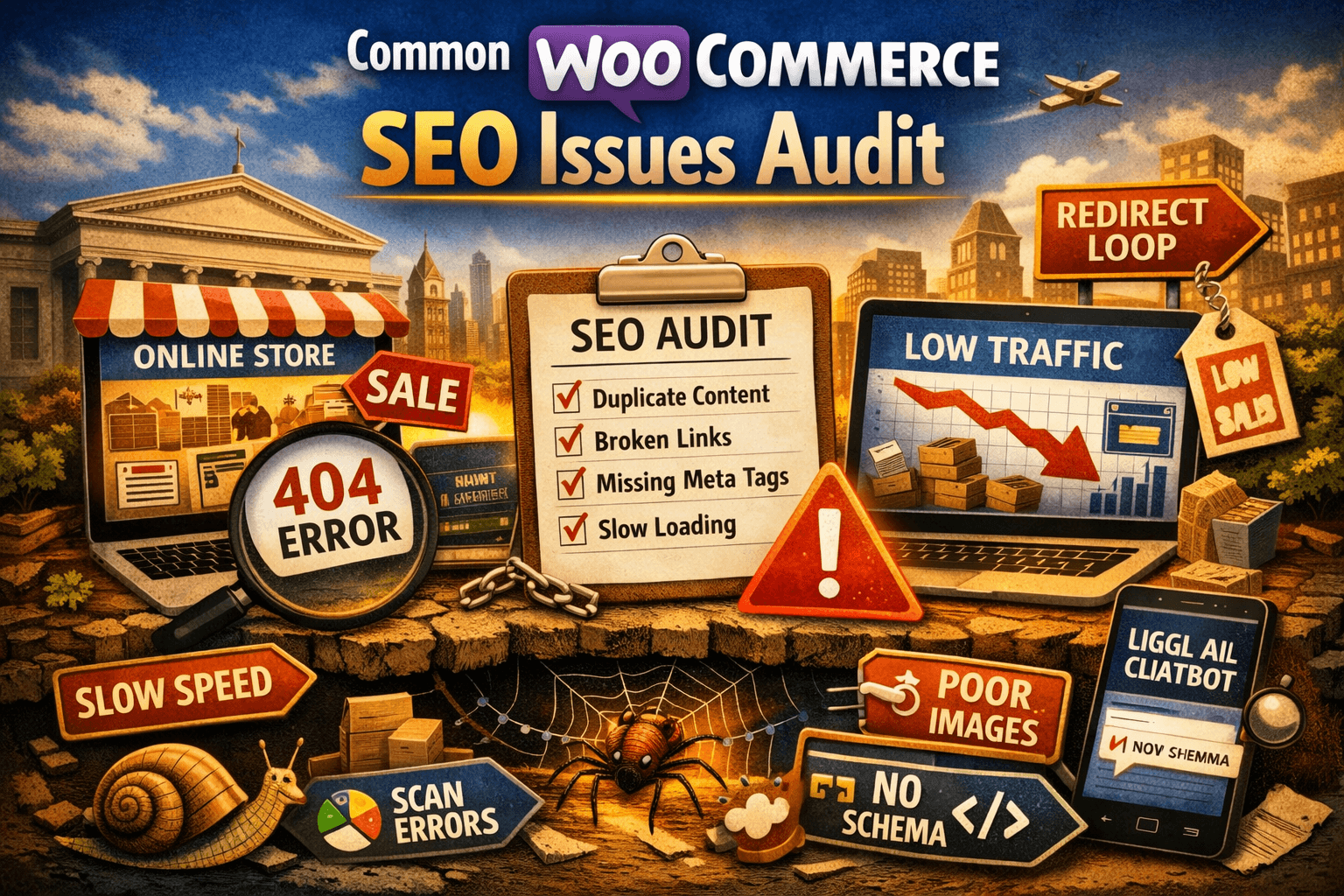
Common WooCommerce SEO Issues To Look Out For In Your Next Audit
WooCommerce is the world’s most popular ecommerce plugin. It’s flexible, powerful, and trusted by millions of stores. It’s also responsible for some of the most common — and most damaging — SEO problems in ecommerce.
If you’re auditing a WooCommerce store, these are the issues to check first. They’re the ones that hurt rankings the most and get missed most often.
1. Duplicate Product URLs
WooCommerce creates two accessible URLs for every product by default:
- /product/product-name/
- /product-category/category-name/product-name/
Both are live. Both are crawlable. Google sees them as duplicate content and splits ranking signals between them. The fix is to set a consistent canonical tag pointing to your preferred URL structure across all products and ensure the non-preferred version redirects or is noindexed.
2. Category Pages With No Content
Default WooCommerce category pages are a grid of products and nothing else. Google has no reason to rank a blank grid for competitive commercial queries.
Every major category page needs:
- A short introductory paragraph (150-250 words) addressing the search intent of that category
- An H1 that matches the commercial query you want to rank for
- FAQ schema targeting common questions buyers ask in that category
This single change — adding genuine content to category pages — is responsible for more organic traffic recovery than almost any other WooCommerce SEO fix.
3. Faceted Navigation Creating Crawl Budget Waste
Product filters are great for UX. They’re a nightmare for crawl budget.
Every filter combination — colour, size, price range, brand — generates a unique URL by default in WooCommerce. A store with 500 products and 10 filter options can have tens of thousands of unique filter URLs that Google crawls instead of your actual product and category pages.
The fix: noindex filter parameter URLs, use rel=”canonical” to consolidate filtered versions back to the base category page, and consider implementing AJAX-based filtering that doesn’t generate new URLs.
4. Missing or Incomplete Product Schema
WooCommerce includes basic product schema out of the box. Basic is not enough.
Check your product schema for:
- Price with currency and availability status
- AggregateRating including review count and score
- Brand entity correctly attributed
- GTIN or MPN where available
- Return policy and shipping details (increasingly important for AI search results)
Incomplete schema means missed rich results in traditional search and reduced visibility in AI-powered discovery surfaces. Both cost you clicks.
5. Slow Page Speed on Product and Category Pages
WooCommerce on WordPress has a well-earned reputation for being slow. The combination of unoptimised images, plugin bloat, and shared hosting creates stores that routinely fail Core Web Vitals.
In your audit, check:
- Largest Contentful Paint (LCP) on product pages — should be under 2.5 seconds
- Cumulative Layout Shift (CLS) — product images loading after the grid is common
- Total Blocking Time on mobile — often caused by JavaScript from third-party plugins
Core Web Vitals are a ranking signal. They’re also a conversion signal. A product page loading in five seconds on mobile loses customers before they see a price.
6. Pagination Handling
WooCommerce paginated category pages (/page/2/, /page/3/) are often mishandled. Common mistakes:
- Paginated pages indexed without canonical to page 1 (creates thin content issues)
- rel=”next” and rel=”prev” missing (though Google has deprecated these, internal linking structure still matters)
- Paginated pages blocked in robots.txt (stops Google crawling products on page 2+)
The safest approach: allow indexation of paginated pages, ensure each has unique title tags, and ensure your most important products appear on page 1 of each category.
7. Internal Linking From Blog to Commercial Pages
WooCommerce stores that publish blog content frequently neglect to link from that content to commercial category and product pages. This is a significant missed opportunity.
Editorial content builds topical authority. Internal links from editorial to commercial pages pass that authority where it is needed most. A buying guide that ranks for an informational query should always link to the relevant category page.
In your audit, map the internal links from every blog post and check whether authority is flowing to commercial pages. Most WooCommerce stores have the opposite problem — commercial pages linking to blog posts, not the other way around.
8. Orphaned Products
Products added to WooCommerce without being assigned to a category are orphaned — they exist in the database but are not accessible through normal site navigation. Google may or may not find them through sitemaps, and they pass no authority through the internal linking structure.
Run a crawl and check for pages that have no internal links pointing to them. Assign every product to at least one category. Ensure every product is accessible from at least two clicks from the homepage.
9. Broken Product Variations
Variable products in WooCommerce — products with multiple size, colour, or material options — create additional URLs for each variation. These variation URLs are frequently:
- Indexed unintentionally (thin duplicate content)
- Returning 404 errors when variations are discontinued
- Missing canonical tags pointing back to the parent product
Audit variable product URLs specifically. Set canonicals on all variation URLs pointing to the parent product, and redirect any discontinued variation URLs to the parent.
10. No XML Sitemap or Poorly Configured Sitemap
WooCommerce stores should have a clear, well-maintained XML sitemap that includes all indexable category and product pages — and excludes everything that should not be indexed.
Common sitemap mistakes:
- Including noindexed pages in the sitemap (sends mixed signals to Google)
- Missing product pages from the sitemap (often happens after a plugin conflict)
- Not submitting the sitemap to Google Search Console
- Sitemap not updating automatically when new products are added
Your sitemap is Google’s roadmap to your store. If it’s wrong, Google’s understanding of your store is wrong.
Approaching WooCommerce SEO as Infrastructure
The issues above share something in common: they are all structural. They are not solved by more content or more backlinks. They are solved by understanding how WooCommerce generates URLs, how Google crawls the site, and how authority flows through the internal linking structure.
The best WooCommerce SEO work starts with a structural audit that identifies exactly which of these issues are present, quantifies the impact of each one, and prioritises fixes by the revenue they will recover. Optimising content on a technically broken WooCommerce store is like painting over cracks — it looks better temporarily, but the underlying problem compounds.



