
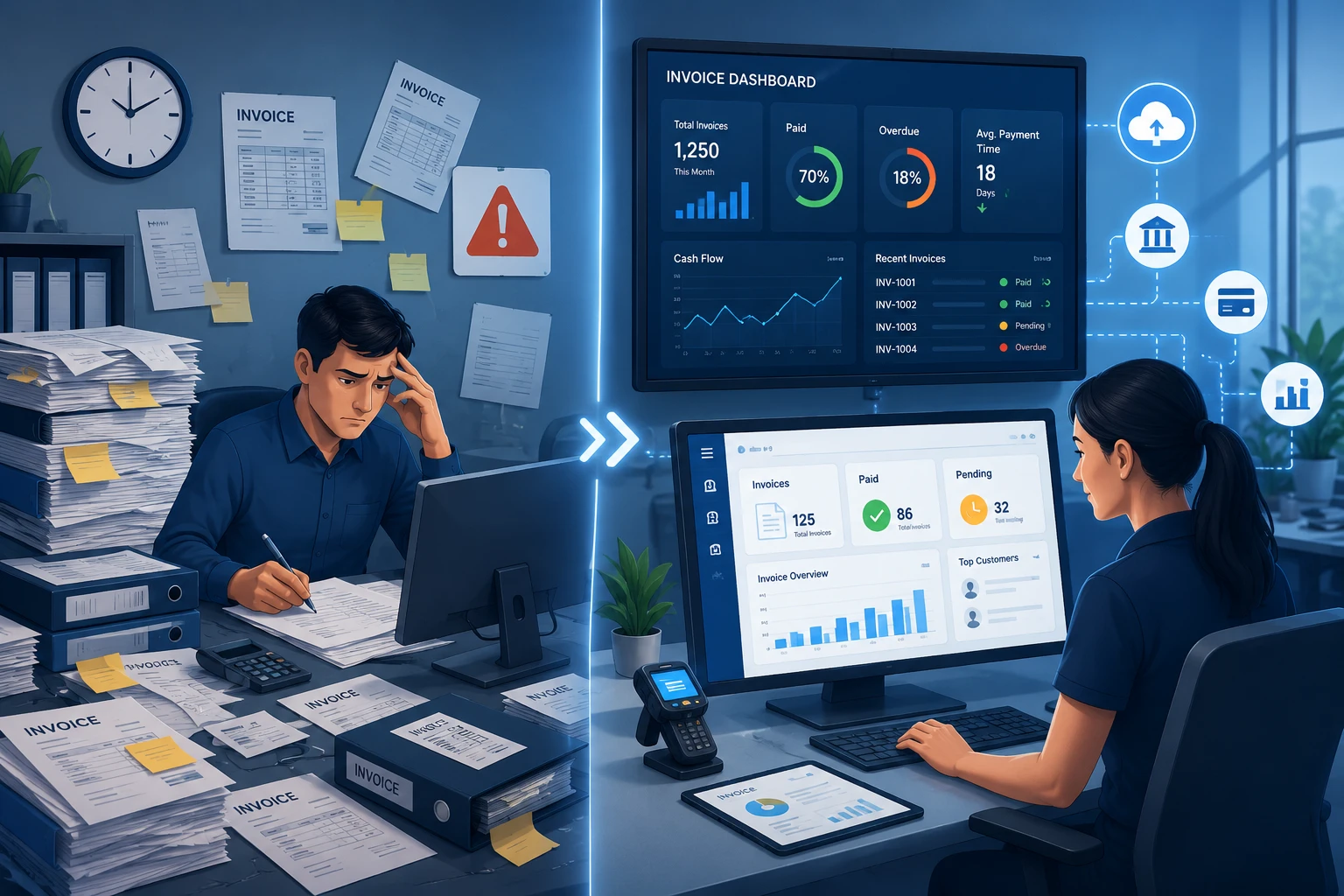
Manual vs Digital Invoicing: Which One Saves More Time?
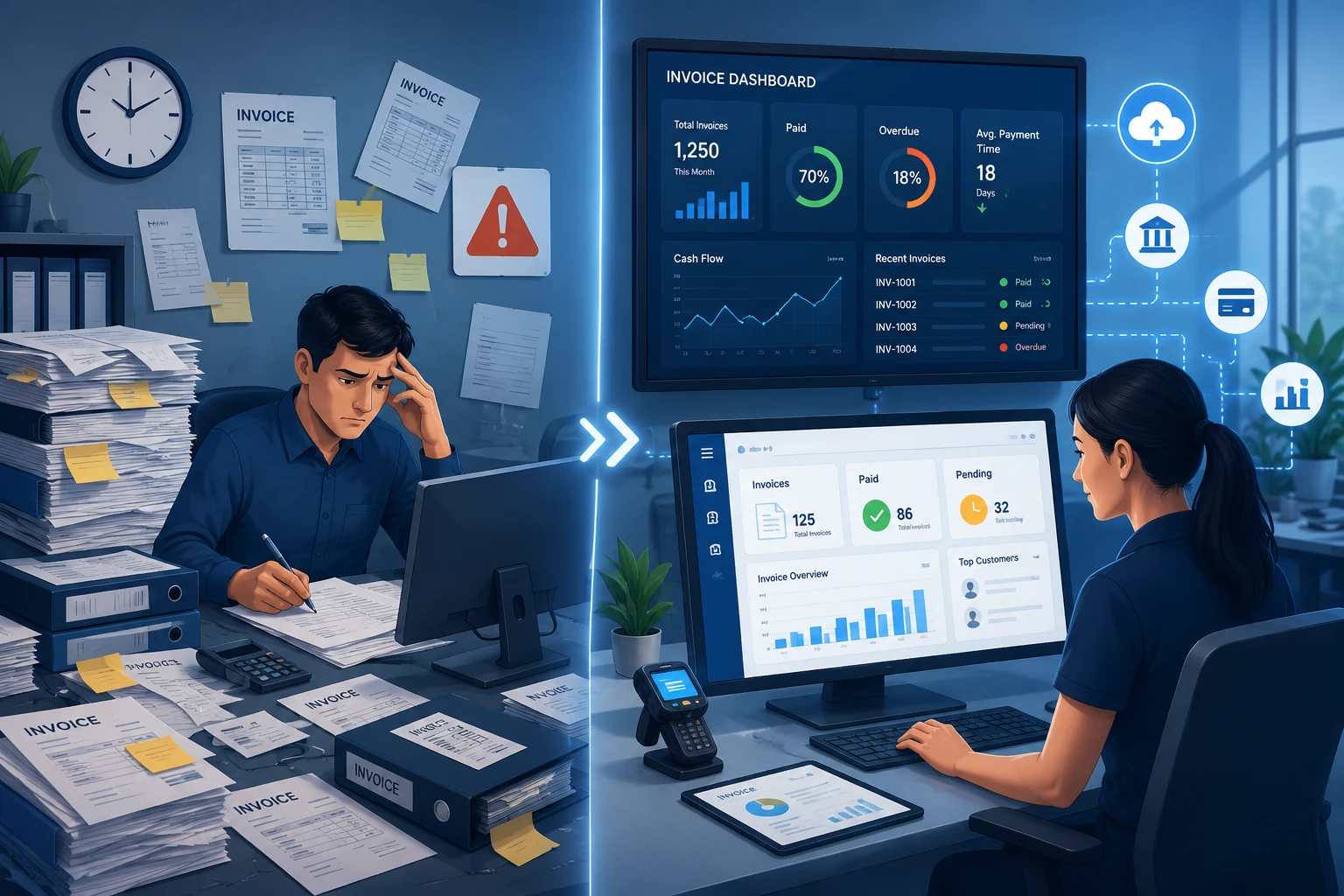
Creating and sending invoices is one of the most frequent administrative tasks in any business. While many companies still rely on spreadsheets or paper invoices, others have switched to digital invoicing platforms that automate much of the process. As businesses grow and transaction volumes increase, the time spent creating, correcting, and tracking invoices can become a significant operational burden.
Choosing between manual and digital invoicing is no longer just about convenience. It also affects payment speed, record accuracy, compliance, and overall productivity. This article compares both approaches to help businesses understand which method saves more time and why many organizations are adopting the best invoicing software for growing businesses to support long-term growth.
What Is Manual Invoicing?
Manual invoicing refers to creating invoices using paper documents, spreadsheets, or basic word processing software. Information such as customer details, product descriptions, pricing, taxes, and payment terms is entered manually before the invoice is sent by email or printed for delivery.
This method may be sufficient for businesses that issue only a small number of invoices each month. However, as operations expand, manual invoicing often requires more administrative effort and increases the likelihood of delays or human error.
What Is Digital Invoicing?
Digital invoicing uses software to automate invoice creation, delivery, payment tracking, and record management. Customer information, tax calculations, recurring invoices, and payment reminders can be generated automatically, reducing repetitive administrative work.
As invoice volumes increase, many companies begin looking for the best invoicing software for growing businesses to simplify financial processes and support long-term growth. Modern invoicing platforms also integrate with accounting software, customer databases, and banking systems to keep financial records synchronized and improve overall operational efficiency.
Manual vs Digital Invoicing: A Comparison
While both methods achieve the same objective, their impact on productivity and business operations differs significantly. The comparison below outlines where digital invoicing offers the greatest advantages over manual processes.
Invoice Creation
Manual invoicing requires employees to enter customer information, calculate taxes, and verify invoice details individually. Digital invoicing automatically populates stored customer data and performs calculations instantly, significantly reducing preparation time.
Error Reduction
Typing mistakes, duplicate invoices, incorrect tax calculations, and missing payment details are common with manual processes. Digital systems validate information automatically and help minimize avoidable errors before invoices are sent.
Payment Tracking
Tracking outstanding invoices manually often involves checking emails, spreadsheets, or printed records. Digital invoicing provides centralized dashboards that display payment status, overdue invoices, and outstanding balances in real time.
Record Management
Finding historical invoices can become difficult when documents are stored across multiple folders or physical files. Digital platforms organize invoices electronically, making financial records easier to search, retrieve, and audit.
Business Scalability
Manual invoicing becomes increasingly difficult to manage as customer numbers and transaction volumes grow. Digital invoicing automates repetitive tasks, allowing finance teams to handle higher workloads without proportionally increasing administrative effort.
Why Digital Invoicing Saves More Time
The biggest advantage of digital invoicing is automation. Instead of spending valuable time on repetitive administrative tasks, finance teams can focus on reviewing exceptions, resolving customer inquiries, and improving cash flow management.
Automated Invoice Creation
Digital invoicing software automatically fills customer information, calculates totals, and generates invoices from predefined templates. This significantly reduces manual data entry and speeds up invoice preparation.
Built-In Payment Tracking
Digital platforms provide real-time visibility into invoice status, allowing businesses to monitor paid, pending, and overdue invoices without maintaining separate spreadsheets or manual records.
Automatic Reminders and Delivery
Invoices can be sent electronically as soon as they are created, while automated payment reminders help reduce follow-up work and encourage faster customer payments.
Centralized Digital Records
All invoices are stored in a searchable database, making it easy to retrieve historical documents for customer inquiries, financial reporting, or audits without searching through paper files or multiple folders.
Additional Benefits Beyond Time Savings
Saving time is just one benefit of digital invoicing. It also helps businesses improve financial accuracy, gain better visibility into payments, and streamline day-to-day financial operations.
Improved Accuracy
Digital invoicing reduces manual data entry by automatically calculating totals, applying tax rules, and using standardized templates. This helps minimize common invoicing errors while ensuring information remains complete and consistent.
Better Cash Flow Visibility
Real-time payment tracking gives businesses a clear view of paid, pending, and overdue invoices. With better visibility into receivables, finance teams can follow up on outstanding payments more efficiently.
Simplified Compliance
Many businesses use e-invoicing software that supports compliance to generate standardized invoice formats, maintain digital records, and meet local tax reporting requirements. This makes financial documentation easier to manage and audit.
Greater Operational Efficiency
By integrating with accounting and payment systems, digital invoicing reduces duplicate data entry and keeps financial information synchronized. This helps businesses work more efficiently while supporting future growth.
Choosing the Right Invoicing Solution
The ideal invoicing solution depends on your business size, transaction volume, and future growth plans. Businesses should evaluate software based on automation capabilities, integration options, reporting features, user accessibility, and compliance support.
For companies expecting continued expansion, selecting the best invoicing software for growing businesses means choosing a platform that can automate repetitive tasks, scale with increasing invoice volumes, and adapt to changing business requirements without disrupting daily operations.
Conclusion
Manual invoicing may still be practical for businesses with very low transaction volumes, but it becomes increasingly time-consuming as operations grow. Digital invoicing streamlines invoice creation, reduces manual errors, simplifies payment tracking, and improves record management through automation.
As organizations continue to modernize their financial processes, adopting the best invoicing software for growing businesses and implementing e-invoicing software that supports compliance can help improve operational efficiency while supporting long-term business growth and regulatory readiness.



